Suno opens Speech beta for narration with generated music

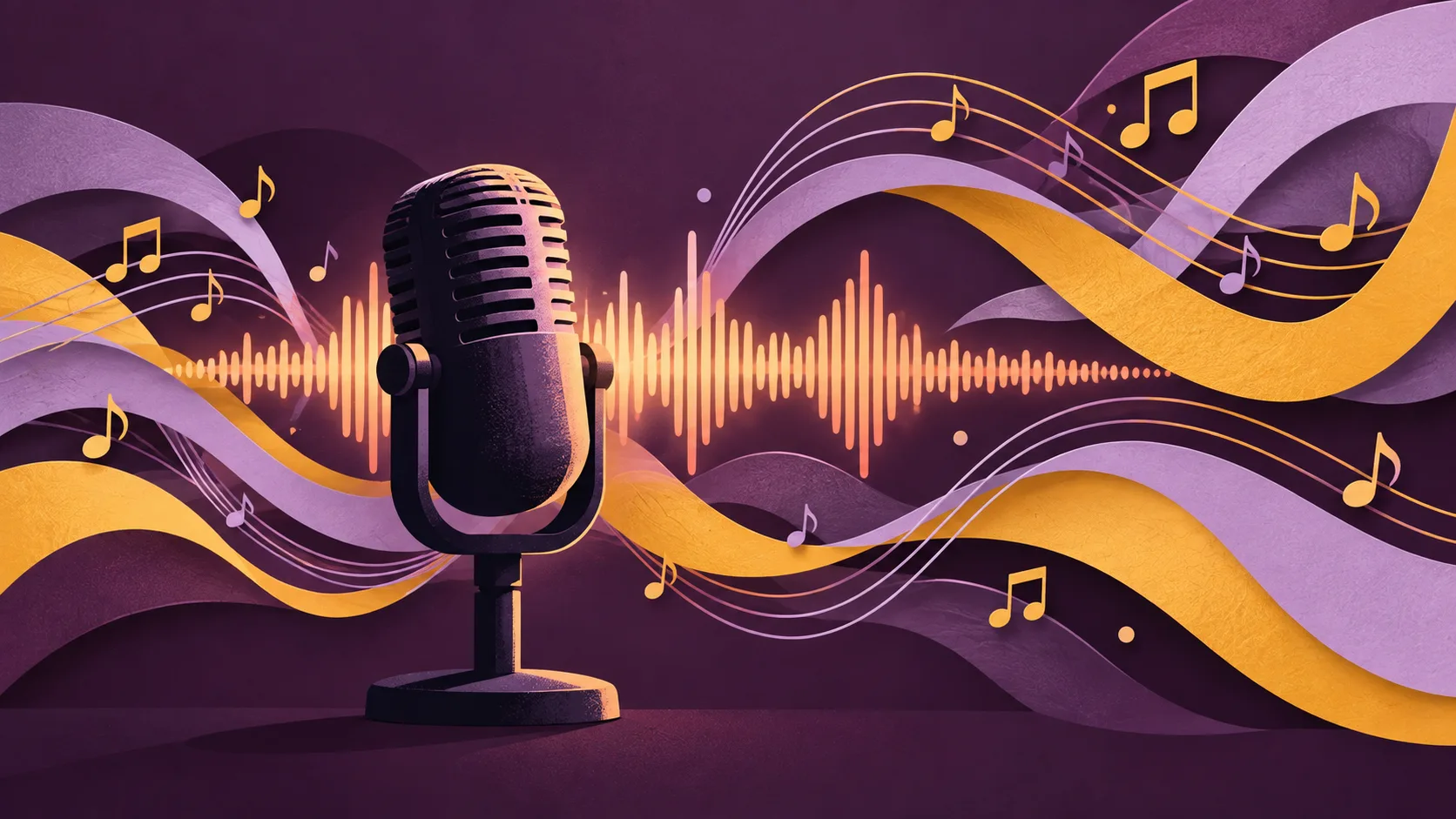
Suno opened its Speech beta on October 1, 2026, adding a way to generate spoken narration and original background music together. Its release notes list availability on the web, iOS and Android. Suno’s current Speech controls also let you create narration without backing music.
The new mode expands the music service into narrated audio. Users can supply an idea, a poem or another written passage, then describe the voice and musical style they want. When you include music, Suno generates the speech and soundtrack as a combined track.
A public beta after limited testing
In the launch announcement, chief product officer Jack Brody says Suno tested Speech with a small group during the preceding month and is now opening the beta to everyone. That expands access beyond the initial test group while keeping the product in beta.
Suno points to dramatic readings, meditations and narrated stories as examples. The release notes show the same idea through spoken content paired with contrasting musical settings, such as a quiet story over piano or a motivational speech over drums.
Expect uneven accents and timing
Suno acknowledges that accents can drift during a generation and that pauses may become exaggerated. Those caveats matter when a narration needs consistent delivery. Listening through the entire result remains a sensible step before sharing it.
The launch materials do not state a Speech specific credit charge or maximum duration. Those remain practical details to check inside the app before planning a longer project. Suno is collecting feedback and says it will keep refining the beta.
November 21 update: Choose a prompt or a script in Suno Speech
Suno’s November 7 web guide and mobile guide list Speech beta on all plans across the web, iOS and Android. In Create, choose Speech. Simple is for describing what you want without writing every line. Advanced lets you put the exact wording in Script and describe the delivery separately in Tone. Its controls let you toggle backing music, use Variety to adjust how much the style changes between takes, and choose vocal gender.
For a recorded library-hours announcement, put the approved wording in Script, ask for a calm, unhurried delivery in Tone and leave backing music off. Listen for the hours, names and pauses before sharing. This is a suggested example, not a ByteForward test. Suno’s help page links to its official Speech tutorial.
You do not need a connector to use Speech in Suno. For people who prefer working from an assistant, Suno’s November 18 MCP help page lists Speech beta among the features available through the connector. This is another way to reach the October beta, not a new Speech model. The MCP FAQ says you need a Suno account and a supported client. Creations draw on that account’s credits, but the documentation does not state a Speech-specific charge or run limit. The October 28 release note covers the original connector beta.