Windows ML adds an experimental DirectX compiler for local AI

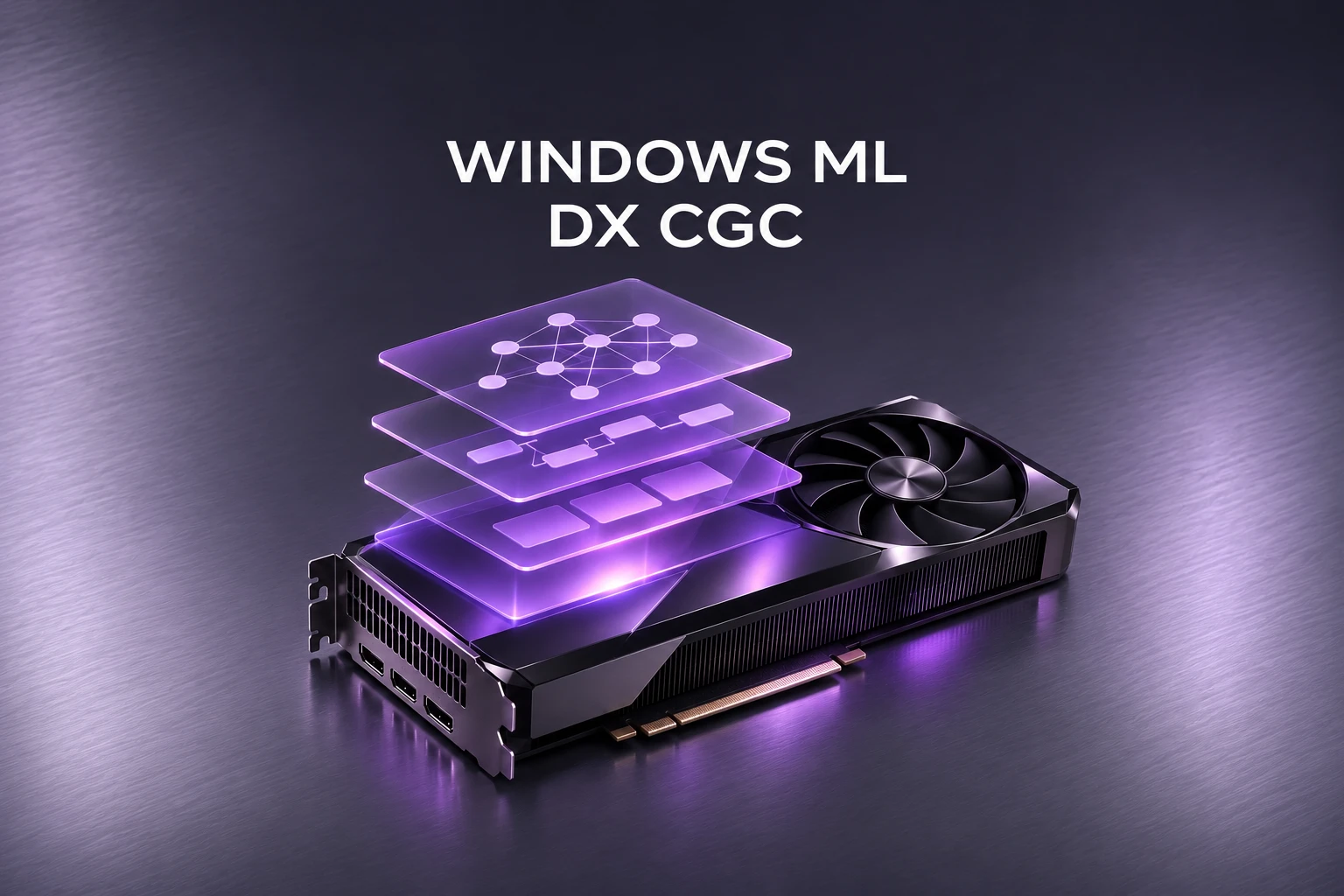
Microsoft released Windows ML 2.9.42 Experimental on November 20, adding the DirectX Compute Graph Compiler (DX CGC) as a way to run supported AI workloads on a local GPU. Developers can try it through the Windows-native Runtime and Task APIs or keep their ONNX Runtime session code and try a new execution provider. This is a developer package, not a new model, a Windows update or a production release.
Which Windows ML route fits your app?
| Route | What it takes | When to use it |
|---|---|---|
| Runtime API with DX CGC | A compiled .oir, .mlirbc or .mlir artifact | Prototype a Windows-native GPU pipeline |
| Windows ML CG execution provider | A file-backed ONNX model and physical Direct3D 12 GPU | Try CGC without replacing an existing ONNX Runtime session |
| Windows ML Task APIs | A supported checkpoint and task-specific format | Try local text generation, speech recognition or classification |
| Stable Windows ML ONNX Runtime APIs | A production-supported execution provider for the target hardware | Keep shipping without the experimental compiler |
The CGC backend guide distinguishes device-targeted .oir files from durable .mlirbc files. The former are tied to the device, driver and Windows ML version that compiled them. The latter finish hardware-specific compilation when loaded, so the same file can be used on other supported devices. The experimental ONNX execution provider, by contrast, takes an ONNX file path, not a model passed only as an in-memory buffer.
The NVIDIA driver is for vendor optimizations
In its November 20 announcement, Microsoft identifies NVIDIA’s GeForce 621.24 driver or its RTX Spark equivalent for vendor-specific CGC acceleration on supported devices. The compiler can use generic GPU shaders and kernels when a driver path or particular operation does not have that optimization. That is not an assurance that any Direct3D 12 GPU or model works. CGC itself does not fall back to the CPU. The broader Windows ML Runtime routes CPU and NPU workloads separately through ONNX Runtime.
Start with a supported model and check the backend
For the first test, use the exact experimental NuGet package and Microsoft’s CGC onboarding examples, which cover ONNX and compiled artifacts. Task APIs accept select GGUF or SafeTensors checkpoints for text generation. Microsoft lists SafeTensors through Task APIs or ONNX for supported speech recognition models, and SafeTensors through Task APIs for Laya classification. A generic Runtime pipeline does not take raw GGUF or SafeTensors weights as CGC stages.
Microsoft illustrates the release with an existing Qwen3.8-27B NVFP4 checkpoint running behind a local OpenAI-compatible server on supported NVIDIA hardware. That is a vendor example, not a new Qwen release or a claim that every graphics card can run a 27B model. If you are assessing a smaller model instead, our LFM3 local deployment guide explains why a GGUF file still needs a compatible runner. Aion in Edge is another distinct route: there the browser provides the model rather than your app choosing and packaging it.
Check which backend handled each part of a representative request. Compare cold starts and repeat runs separately: the first Task session can spend time compiling programs that later launches can reuse. Keep the current provider and use the same model and inputs as a baseline. ByteForward has not benchmarked this experimental release.