Antigravity 2.29: Remote Agents, voice mode and access limits

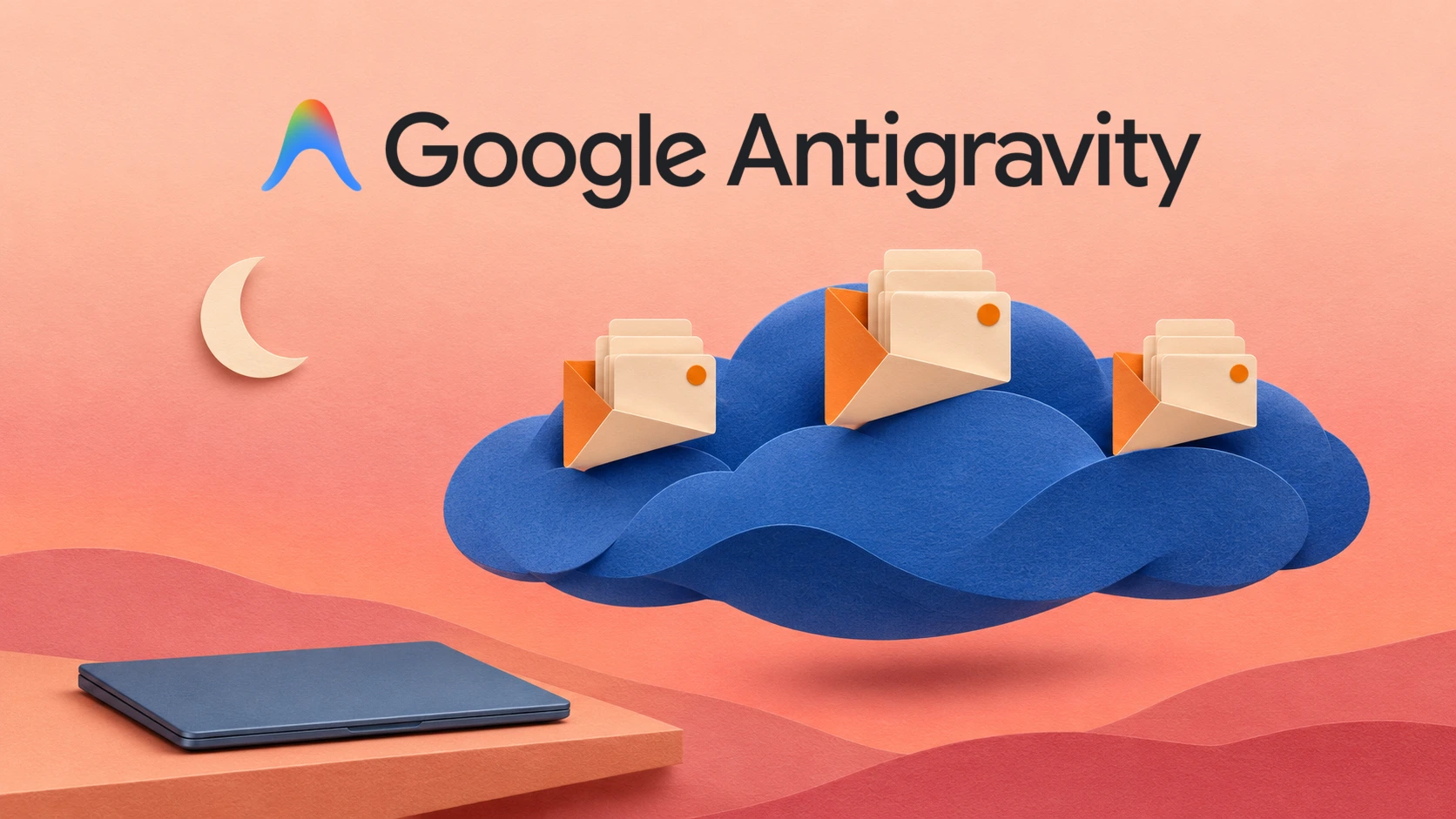
Antigravity App 2.29.0 begins two separate rollouts: agents that work in Google’s cloud and spoken conversations powered by Gemini Live. The release is dated November 3, 2026. Remote Agents require a personal Google Account with Google AI Pro or Ultra, while the voice guide does not specify the same subscription restriction. Crucially, voice mode does not work in cloud agent conversations.
That distinction is the useful starting point for this update. One feature changes where work runs; the other changes how a person gives instructions. They solve different problems, and a missing button does not necessarily mean an installation has failed. Google says new versions can take several days to reach users, with the new capabilities also appearing gradually.
What changes when an agent runs remotely
Google’s Remote Agents documentation describes an isolated, managed environment that keeps running after a browser closes or a laptop sleeps. It can be reached from the App, CLI or a browser. Free, Google AI Plus and business accounts are excluded from the documented eligibility.
Remote Control serves a different purpose: it connects to a workstation or server that must stay online. Choose that route when a task depends on a local toolchain, hardware or an uncommitted checkout. Remote Agents instead use attached resources, including GitHub repositories, Google Drive files and uploaded files.
The browser can also start a standalone remote conversation. A remote project does not automatically inherit everything installed on a laptop. Google lists local MCP servers, plugins and skills among the unavailable features in remote CLI sessions.
For a team assessing this workflow, the practical question is whether the remote workspace contains the material needed to finish the task. A repository can be present while a local fixture, service or credential remains elsewhere. Review the proposed work and its outputs before relying on an unattended run. Cloud execution alone establishes neither correctness nor a finished integration.
Voice mode is a local conversation feature
The voice guide distinguishes live spoken dialogue from dictation, which only turns speech into a typed prompt. App users start voice mode from an empty message box. They can give a task, steer it while it runs, answer questions and request spoken updates.
Google restricts App voice to local conversations, excluding Remote Control and cloud conversations. CLI live voice requires version 1.5.0 or later and is unavailable in remote agent sessions or print mode.
Voice does not remove the approval boundary. Destructive actions, elevated commands and force pushes still require an on-screen click; they can be denied by voice. Microphone audio goes to Google’s servers, and the usual conversation permissions govern work on files and tools. Google says the App saves the voice transcript locally.
If the control is missing, check the conversation, sign-in and usage limits. Rollout may still be pending. ByteForward has not independently tested the feature.
Check location and trial eligibility separately
The Antigravity FAQ requires users to be at least 18 and have an account associated with a supported country or territory. That product list is distinct from subscription availability. Its plan exclusions also conflict with the current Google AI Pro membership list in several places, including Türkiye and Greenland. Neither list is a reliable feature-by-feature rollout map.
Google’s English benefit restrictions exclude trial memberships from the Antigravity subscription benefit. The Remote Agents guide does not separately resolve trial access. Check the signed-in account’s actual eligibility before buying a plan for this feature; a plan name alone is not a guarantee of immediate access.
The rest of 2.29 improves everyday project work
The official changelog also adds a native Jupyter notebook viewer for code, Markdown, tables, images and saved cell outputs. Automations are grouped into Scheduled, Always on and Paused lists with next and last run times. The built-in browser gains downloads and browsing history, while the new-conversation page and project controls are reorganized.
A notebook viewer makes inspecting an existing result easier, but the announcement does not turn every displayed output into a freshly executed test. Likewise, the redesigned Automations page helps people inspect scheduled work; its presence does not prove that a particular job has run successfully. Check the underlying execution and result when that distinction matters.
For integration setup, our Antigravity Plugin Marketplace guide covers what plugin packages add and which permissions deserve review. Treat those local setup instructions separately from the tools available inside a remote session. The best reason to update is a workflow you can identify and verify, rather than an assumption that every new capability works everywhere at once.
AI-generated illustration: ByteForward. Official Google Antigravity logo: Google LLC. Google Antigravity and its logo are trademarks of Google LLC. ByteForward is not affiliated with or endorsed by Google. Conceptual artwork, not a product interface.