Antigravity adds a Plugin Marketplace for App and CLI

Google began rolling out the Antigravity Plugin Marketplace on October 29 for its App and CLI. It brings Google and partner integrations into a browsable catalog instead of requiring every connection to be assembled manually. The practical change is packaging: a plugin can combine access to a service with instructions for using it.
Launch examples include Figma for design context, Datadog for production investigation and Atlassian for work tracking. Those are different jobs, not interchangeable chat attachments. Choosing a plugin means deciding which information and actions belong in a particular development workflow.
What installing a plugin actually adds
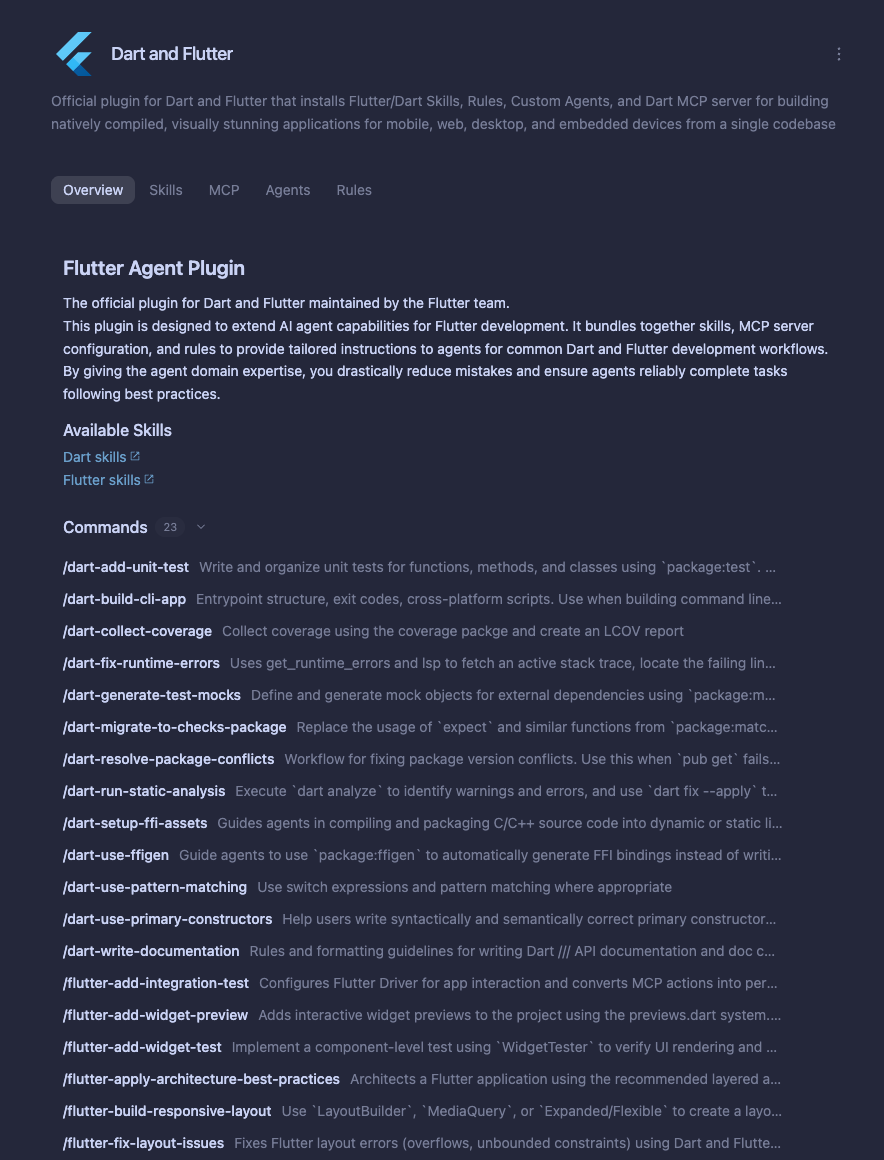
The plugin documentation describes five possible components. A bundle can contain any combination; a catalog listing does not imply that every component is present.
| Component | What to inspect before enabling it |
|---|---|
| Skills | Task instructions, reference material and helper scripts |
| MCP servers | Connected services, authentication and available tools |
| Custom agents | Specialist prompts, model choices and tool allowlists |
| Rules | Persistent conventions and when they apply |
| Lifecycle hooks | Commands that run around session or tool events |
That last category deserves attention. Hooks can execute shell commands, while rules and hooks may operate automatically when a plugin is enabled. Review the bundle as executable workflow configuration, not only a list of remote APIs. A useful question is whether the plugin needs to change anything, or whether a read-only investigation would meet the immediate goal.
Where to find it, and what still needs setup
Google’s Marketplace guide places the catalog under Customizations in the App. Open a card to inspect its capabilities before adding it. Installed plugins can be configured, disabled or removed from the Installed tab. App installations also appear in the CLI.
CLI users can open the interactive manager with /plugin. From a shell, agy plugin install <plugin-name> selects the official marketplace by default. The command requires an active sign-in session. Google also documents GitHub and local-directory installations, but those are separate source choices, not evidence that every repository is part of the curated catalog.
Installation and authenticated access are different steps. A CLI plugin that requires configuration variables stays disabled until those are supplied. OAuth-based connections can open a browser sign-in flow when their server connects. Do not assume that seeing a plugin in Installed means its external tools are ready.
The standalone IDE has its own documented local and global plugin-folder workflow. The launch announcement specifically names the App and CLI Marketplace; it should not be read as a promise of identical browsing controls on every Antigravity surface.
A useful first workflow is deliberately narrow
For example, a team could ask an agent to inspect a design specification and draft a component change without authorizing a production deployment. Another could investigate an incident and propose a patch before allowing any operational action. These are illustrative evaluation scenarios, not tests ByteForward performed.
For either scenario, record the plugin version, the account or workspace connected, the expected output and the permitted changes. Compare the result with a known task before expanding access. This makes the first evaluation about correctness and boundaries rather than how many integrations can be installed at once.
Google’s announcement does not establish universal plan eligibility, regional coverage or that connected third-party services are free. Check the catalog and the service account you intend to use. The launch lowers setup friction; it does not remove the need to understand what a bundle can do.