OpenAI Images 2.6 adds GIFs, SVG output and faster editing

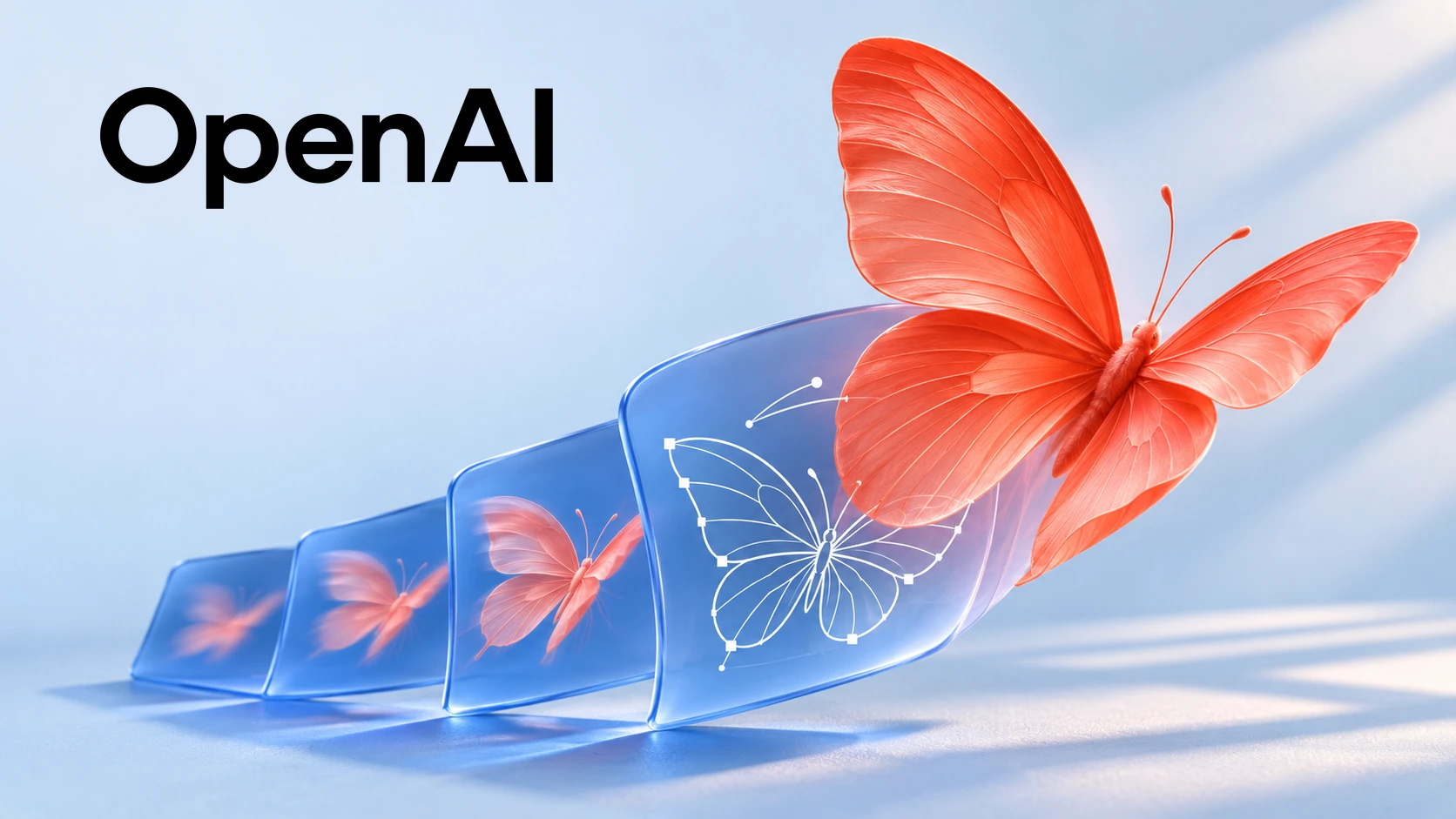
OpenAI Images 2.6 launched on November 4, 2026, adding GIF creation and new editing controls across ChatGPT, Codex and the API. The company says it is available globally in ChatGPT and Codex across all subscription tiers on desktop, mobile and web. Developers get two model options, GPT Image 2.6 Flare and Sunburst.
For creative teams, the useful question is whether a revision preserves the parts already approved. A faster first image saves little time if every correction changes the label, character or layout. This release is worth evaluating as an editing workflow, with delivery quality measured alongside generation speed.
What OpenAI says is faster
OpenAI says Images 2.6 generates images 50 percent faster than before. Its six second example applies to Flare at low quality. These are vendor performance claims, not ByteForward test results, and the announcement does not establish that every prompt or output setting will finish that quickly.
Flare or Sunburst depends on the job
The official prompting guide positions Flare for responsiveness and Sunburst for demanding detail, layout and edit accuracy. OpenAI recommends comparing both with the same prompts, reference images, dimensions and quality settings. That is a more useful starting point than assuming Sunburst is necessary for every asset.
Quality and complexity control different things. Quality affects rendered detail, including small lettering. Complexity controls planning before rendering and accepts low, medium or high. Both models default to high complexity when the field is omitted. Keep quality fixed when comparing planning levels, then vary quality separately to isolate the cause of a better result.
For most edits, the launch guidance recommends low complexity for speed, with quality set to the job’s needs. The high default and this recommendation serve different purposes. Specify the setting in a comparison instead of assuming an omitted field gives the fastest edit.
Check what survives an edit
Editing guidance updated November 9, 2026. Markup uses a separate transparent PNG matching the first image’s dimensions. Put the target image first and supply any extra images as references. OpenAI says to omit the mask field when sending markup.
The generation guide warns that a mask guides the edit but does not guarantee an exact boundary. The prompting guide recommends compositing the approved edit into the original when unchanged areas must remain identical at the pixel level.
For a product label correction, define two acceptance checks before generating. Did the requested word change correctly? Did every protected detail survive? Compare the product outline, surrounding text, logo and colors against the original, including areas outside the marked region. A correct replacement word should not conceal a damaged barcode or altered brand mark.
Keep the original asset separate from generated versions. If the job requires a small approved patch, have a designer place that patch into the original and inspect its edges at the delivery size. Record that repair time when judging the model. This is a suggested review procedure, not a ByteForward test result.
GIF and SVG output have specific limits
The image generation guide says GIF output supports 2 to 16 frames. Frame duration ranges from 20 to 2,000 milliseconds, rounded to 10 millisecond increments. Defaults are nine frames at 200 milliseconds each. Frame dimensions, frame count and the number of animations must fit the request’s pixel budget.
GIF output supports both the generation and edit endpoints, including still references through edits. SVG uses only the generation endpoint. Neither format supports streaming or partial images. SVG requests return one static vector document without scripts, external resources or embedded raster images. SVG billing includes the reference image and the authoring model’s work, so its total is not just the image output charge.
Correction, November 9, 2026. An earlier version overstated the GIF frame limit and incorrectly excluded the edit endpoint. Both details above now match the current documentation.
OpenAI also warns that complex image prompts can take up to two minutes. Text placement, consistency across generations and precise composition can still fail. Inspect the delivered file rather than treating a format option or improved consistency claim as a quality guarantee.
API pricing and account limits
The published standard API rates are the same for Flare and Sunburst. Per million tokens, text input costs $5, image input costs $8 and image output costs $30. Cached text input is $1.25 and cached image input is $2. These token rates match the listed GPT Image 2.5 variants.
Matching token prices do not establish a fixed price per finished image. Token consumption and the chosen output still matter. Budget a complete workflow, including references, revisions and rejected results, rather than multiplying a launch demo’s speed by an assumed flat image price.
The Flare model page directs developers to their organization’s limits for applicable API caps. The announcement does not publish a universal daily image allowance for ChatGPT or Codex. Availability across plans should not be read as unlimited usage.
How to evaluate a switch
The same practical distinction appears in our coverage of Microsoft’s MAI Image 2.7 editing preview. Preserving protected details matters as much as making the requested change.
A useful purchase decision starts with the files a team can deliver. Include rejected outputs and human repair in the cost comparison, then choose the workflow that reliably meets the brief.