OpenAI updates ChatGPT Voice with GPT Live 1.1

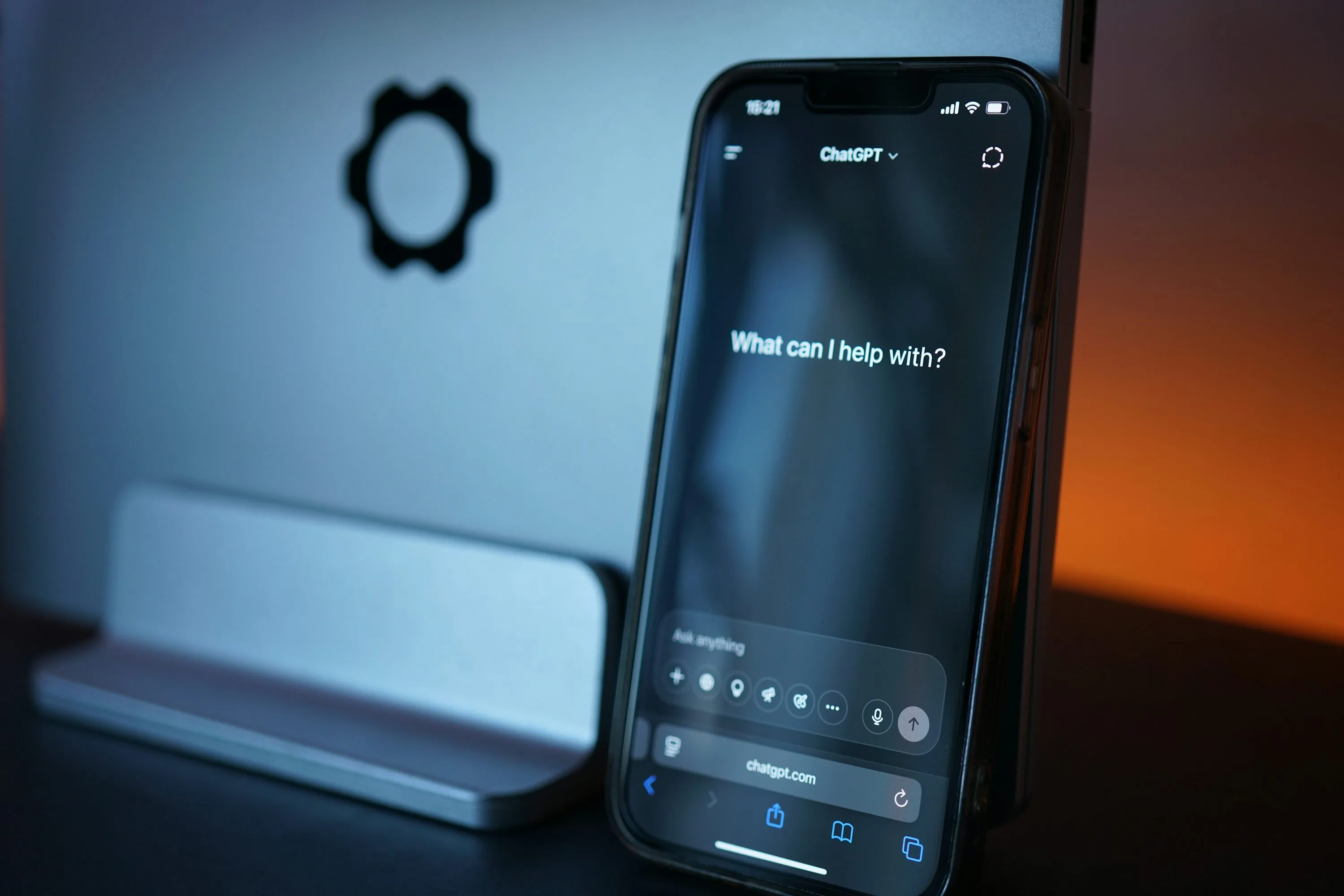
OpenAI has begun rolling out GPT Live 1.1 and the smaller GPT Live 1.1 Quip in ChatGPT Voice. Its October 15 announcement emphasizes more natural accents and more varied spoken signals while Live searches the web. These are OpenAI’s descriptions of the changes.
New voice choices span French, German, Hindi, Japanese, Korean and Mexican Spanish. Bubbie joins the English selection. Availability varies by account and region.
For someone deciding whether to try the update, three questions deserve separate answers. Does the speaking style suit them, can their account use the model they want, and does the selected mode support their task? A pleasant voice alone cannot answer the other two.
What changed and what came earlier
The release history puts the update in context. Simultaneous speaking and listening, search, memory, and text and image interaction were already described with GPT Live 1 on July 8. Plugins and Voice in Work followed on September 23. The allowance changes were announced on September 9.
Choose the voice and check the plan
Open Settings, then Voice, then Voice to select a sound. The current Voice guide lists Aube and Rivage for French, Himari and Rindō for Japanese, and Tinta and Arrullo for Mexican Spanish. Switching voices during a call starts another call within the same chat.
For Voice in Chat, the guide lists these personal plan allowances over a rolling 24 hour window.
- Free has limited Quip access
- Go includes three hours with Quip
- Plus includes three hours with GPT Live 1.1
- The $100 per month Pro plan includes 15 hours
- The $200 per month Pro plan offers unlimited use, subject to abuse guardrails
Live still lacks video and screen sharing. Eligible mobile subscribers can use Advanced for those features. Standard transcribes speech before responding. Plan and workspace settings affect access, and Voice in the desktop app has separate limits.
The model entitlement comes from the plan, while voice selection changes the sound. Selecting a regional voice does not change the plan’s model allowance. The guide also warns that transcripts may differ from what was spoken.
Better sound still needs an accuracy check
The announcement supplies no measurements establishing better factual accuracy, faster responses or more reliable task completion. ByteForward has not independently tested the new audio experience.
OpenAI’s accuracy guidance warns that confident answers can still contain false facts or fabricated references. It recommends verifying important claims, technical details and quotations, and opening the underlying sources. Search can provide current information, but an audible indication that a search is happening does not establish that the final answer is correct.
A practical trial should therefore separate listening comfort from answer quality. Ask about something you can verify, inspect the evidence, and note whether corrections are needed. That gives the voice comparison a useful second dimension without pretending to be a controlled benchmark.
Separating how a response sounds from how well it is supported also matters in ByteForward’s coverage of AI uncertainty and warning accuracy.
Review existing data choices
Before using longer conversations for personal work, review Data controls. Turning off Improve the model for everyone prevents new conversations from being used for training while allowing them to remain in history. The setting follows a signed in account across devices. Archiving does not change training eligibility. If you submit feedback on a response, the associated conversation may still be used for training.
These controls predate the new voices. Check them before discussing personal work, and follow any rules that apply to a managed workspace.
Illustrative archival photograph published in 2025. Photo by Tim Witzdam on Unsplash under the Unsplash License.