Gemini Notebook can build interactive sites. Here’s what sharing exposes

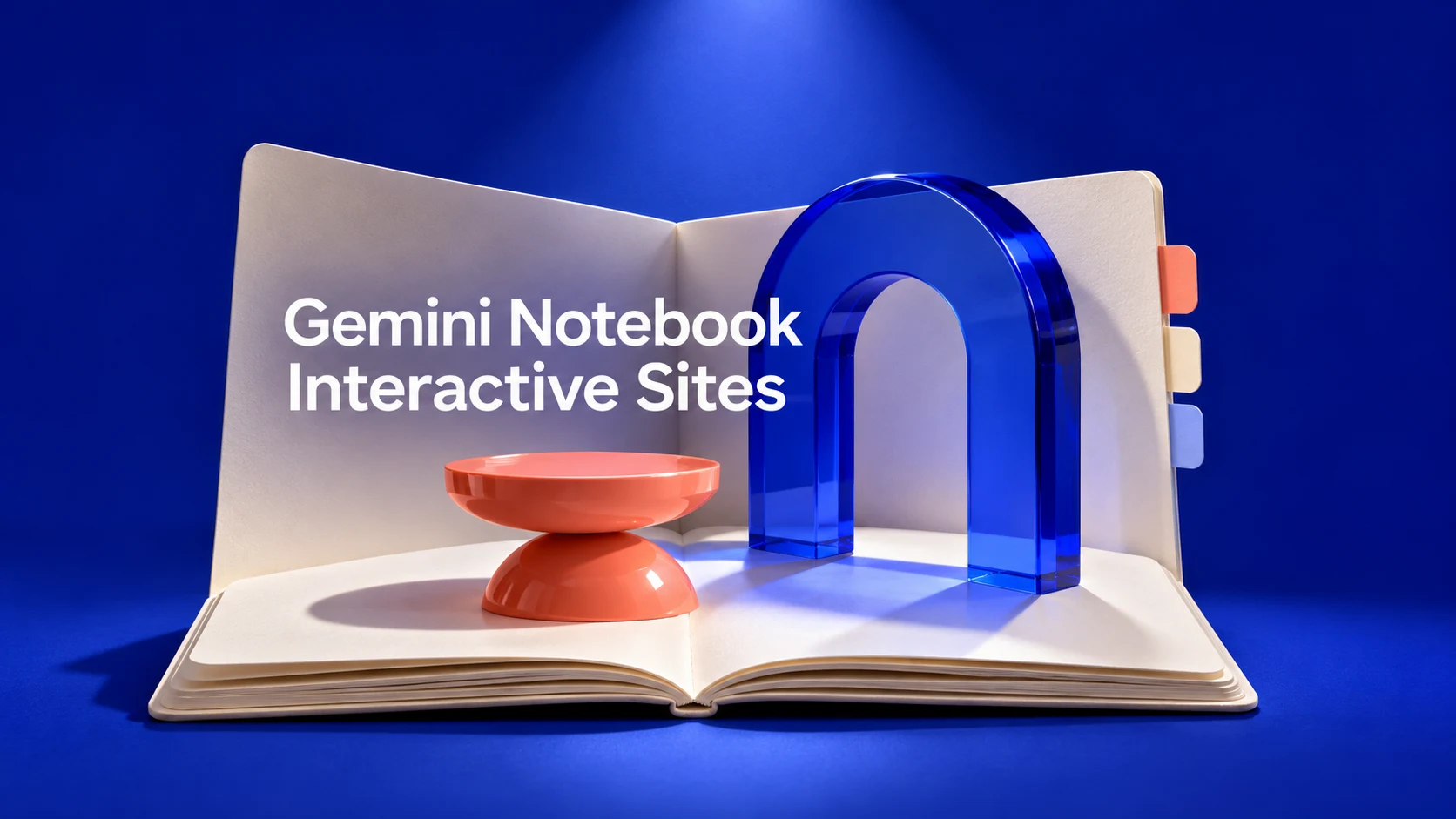
Google began rolling out interactive site creation in Gemini Notebook on November 16. A notebook editor can ask Chat to build a site from the notebook’s sources, then open it from Studio. The key sharing limit: a link to the generated site does not give readers access to just that site. They also need access to the full notebook.
The rollout is global on the web for users 18 and older, including Google Workspace subscribers. That does not mean the option is already visible to every eligible account. Google said native mobile support would follow; its mobile help page does not list site creation on Android or iOS.
Start with a question your sources can answer
Open a notebook you can edit and give Chat a specific job. For example: “Build a site from these three museum schedules. Add filters for opening days and free admission. Mark missing hours as unknown.” Once the site appears in Studio, use the filters and compare a few results against the source schedules. That is an example to try, not a ByteForward test.
Google’s site help guide says saved choices such as checked boxes, filters and typed notes will be there when you reopen the site. Those inputs are personal: other viewers, including the owner, cannot see them. A checklist can help each person plan a visit, but it cannot tell a group who finished a task.
What people can access when you share a site
| Goal | Where to start | What to check |
|---|---|---|
| Use it yourself | Open the site from Studio, or open it in a new tab. | You need notebook edit access to create or delete a site. |
| Share a site link | Copy the artifact link from Studio’s Share menu. | Recipients need access to the full notebook, not just the site. |
| Send a file instead | Choose Download from the site’s Studio menu. | Inspect the downloaded file and its contents before sending it. |
Google requires a consumer account and notebook owner or editor permissions for public site sharing and access management. Workspace eligibility to generate a site does not establish public sharing rights. If people should not see the rest of the notebook, do not broaden its access just to make the link work. Consider a reviewed download or a new notebook that contains only the sources you intend to share. For study projects, see which textbooks Gemini Notebook lets you add as sources.
Gemini Enterprise Canvas is a separate app builder
Google made interactive web app creation generally available in Gemini Enterprise Canvas on November 18, 2026. It runs in the Gemini Enterprise web app, where an administrator must turn on both Enable canvas and Enable app builder. The Canvas guide describes sharing within your organization or downloading one self-contained HTML file that runs in a browser.
Canvas does not provide managed public hosting or built-in storage that saves app state across sessions or users. Notebook Studio offers a download too, but a Notebook site link still requires access to the full notebook. Choose the sharing route based on what recipients should be able to see, not just how the site was created.
How the generation limit works
Google lists compute-based limits, not a guaranteed number of sites. If the option appears but you reach a limit, check Usage in Notebook settings. Google says the quota refreshes every five hours until you reach the weekly cap.