Netlify’s new dashboard starts with new users

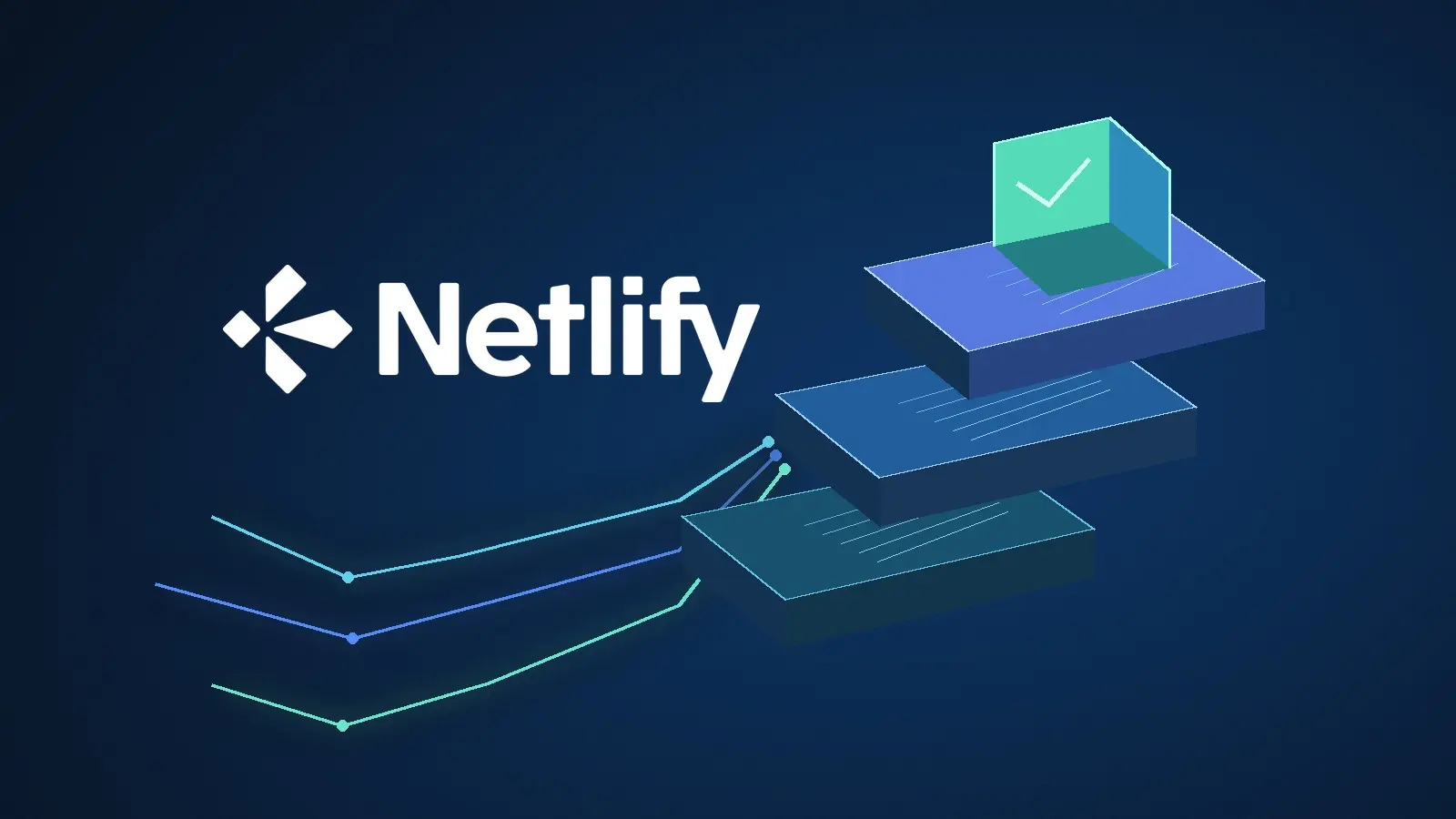
Netlify began rolling out a redesigned app-building experience on November 18, 2026, combining agent prompts, live previews and conventional developer workflows in one dashboard. Access starts with most new users, rather than every existing customer. The dashboard changelog and November 17 connector announcement describe separate changes: getting the new interface is not the same as getting access to Runner connectors.
Who gets the new Netlify experience
The access documentation describes a gradual rollout and says users cannot immediately opt themselves in. A waitlist is available, with further migration guidance still to come. Existing customers should not interpret the new branding as confirmation that their own dashboard has already changed.
If you already use Netlify and still see the old dashboard, joining the waitlist does not switch your account over immediately.
| Date | Change | Access |
|---|---|---|
| Nov. 18 | Redesigned dashboard | Gradual rollout, starting with most new users. Existing users can join the waitlist. |
| Nov. 17 | Agent Runner connectors | Requires access to Agent Runners on a credit-based plan or an Enterprise plan using credits. |
| Nov. 10 | Netlify Server | Early access on credit-based plans and Enterprise plans using credits. Server compute is free during early access, but other metered usage still counts. |
Prompts and Git work on the same application
The new dashboard accepts written or dictated prompts and lets builders choose an agent and model. It also preserves Git imports, file uploads, external agents and command-line deployment. Netlify says changes create versions with previews that users can review, archive or publish, including without a connected Git repository.
In its product walkthrough, Netlify describes a conversation in which either the builder or the agent can ask clarifying questions before implementation. Earlier application versions remain available to inspect and return to. The practical distinction is between generating a change and choosing to expose it to users. A preview is an opportunity for review, not evidence that generated code has been tested adequately.
Connectors do not automatically power the deployed app
Connectors are available to users who can run Agent Runners on a credit-based plan, including Enterprise plans using credits. They let Agent Runners use services such as Notion, Linear, Stripe and Snowflake during development. Netlify’s connector documentation requires an existing account with each service and permission to access the relevant resources.
The documentation illustrates different outcomes: a Linear issue becomes a development brief, while Snowflake data becomes a dashboard snapshot. Neither example establishes a permanently synchronized application. Connections belong to individuals, and teammates do not inherit each other’s connected accounts. Users can review project connections and revoke service access from account settings.
The launch walkthrough explicitly says a connector does not automatically grant the deployed application ongoing access. That is an important boundary for anyone expecting a live dashboard or payment integration. Getting source material into an agent and configuring the running application’s service access are separate jobs.
The backend is a separate part of the rollout
The November 10 Server release notes describe a Node.js backend that can keep WebSocket connections open and handle concurrent requests. A running instance can scale down to zero after five minutes without requests during early access. Netlify does not charge for Server compute during early access, but handled requests still count toward the web requests meter and other metered usage is billed as usual.
Try it on a nonproduction app first. Make one bounded change, review the preview, then publish to that test app and check what happens when the source data changes. That tells you whether the deployed app fetches fresh data or simply displays the snapshot the agent used during the build.