Gemini Omni 1.2 Flash launches with 15-second video and lower prices

Google made Gemini Omni 1.2 Flash generally available on November 5, 2026. The video model extends ordinary generation and editing to 15 seconds, accepts up to six reference images and lowers video output pricing to $12 per million tokens. It is available on the paid Gemini API tier, with model access and regional restrictions still applying.
The practical changes are longer shots, a lower cost per output and a deadline for existing integrations. Google’s release notes say requests to gemini-omni-1.1-flash will automatically route to version 1.2 on December 3. Developers have four weeks to compare results before the old model name begins serving the new model.
What the 15-second limit actually covers
The model specification lists text, image and video inputs, with video and native audio output. Generation supports 360p, 720p, 1080p and 4K at 24 frames per second. The input and output context ceilings remain 131,072 and 65,536 tokens respectively. Version 1.1 lists a ten-second video ceiling, so 1.2 creates more room for an action to finish within one generated clip.
Several modes retain shorter limits. Google’s Omni guide distinguishes them as follows:
| Workflow | Current limit |
|---|---|
| Text or single-image generation | 3 to 15 seconds, in whole-second increments. |
| Editing an uploaded or generated video | Input clip must be 15 seconds or shorter. |
| First and last frame interpolation | 3 to 10 seconds, even on version 1.2. |
| Video extension | 3 to 10 seconds per turn, with a 30-second total ceiling. |
Generation still defaults to ten seconds and 720p. A duration set in response_format overrides a duration written in the prompt. Asking for 15 seconds with both a first and last frame produces an invalid argument error. Longer capacity therefore requires choosing a compatible mode as well as changing the requested length.
Six reference images do not mean six independent characters
Google describes the reference allowance as up to three images per character for up to two characters. It says the update improves subject and character consistency, but that is a vendor claim, not a result independently measured by ByteForward.
Reference-video allowances narrow on longer outputs. Clips lasting 11 to 15 seconds accept one reference video of up to three seconds. Outputs of three to ten seconds can use up to three such reference clips. Their audio is ignored, and reference videos are supported for new generation rather than editing or extension. Reference images can be used across all three workflows.
That distinction matters for shot planning. A creator who needs several visual references may get more control from a shorter shot than from using the maximum duration. Check the same prop, costume and face across revisions rather than treating the reference count as a quality guarantee.
How much a clip costs at the new rate
Google’s Standard pricing charges $1.50 per million input tokens for text, images and video. Output costs $9 per million text tokens and $12 per million video tokens. The release notes describe the video output rate as 30% lower. No free API tier is listed for this model.
At 720p, Google bills 5,792 output tokens per second. That gives approximately $0.70 for ten seconds or $1.04 for 15 seconds in video output charges. These are not complete request totals: input and any billable text output remain additional. Revisions also create new outputs, so budget for the attempts needed to finish a usable clip.
| Output resolution | Approximate video output cost per second |
|---|---|
| 360p | $0.023 |
| 720p | $0.070 |
| 1080p with upsampling | $0.104 |
| 4K with upsampling | $0.209 |
The pricing page explicitly describes 1080p and 4K with upsampling. A selectable 4K output should not be presented as evidence of native 4K generation. Longer duration and higher resolution also increase generation time, according to the guide. The launch does not provide a fixed render-time guarantee.
Paid-tier quotas are higher, but still small for batch production
Google lists standard interactive quotas of eight requests per minute and 40 per day for Tier 1, 16 per minute and 200 per day for Tier 2, and 40 per minute and 2,000 per day for Tier 3. The release notes call these doubled paid-tier limits.
Quotas apply to the project, not each API key, and daily quotas reset at midnight Pacific time. Google says capacity is not guaranteed and directs developers to their active limits in AI Studio. A higher request allowance should not be read as unlimited production throughput. Count editing turns and retries when sizing a workflow.
Regional and audio restrictions still shape the workflow
Users in the European Economic Area, Switzerland and the United Kingdom cannot edit or extend uploaded videos. They can edit and extend model-generated videos. The guide also restricts uploading and editing images containing minors in those regions and excludes certain recognizable people.
Native generated audio does not make this a general audio editor. Audio uploads and audio references are unsupported, as is voice editing. An uploaded video containing someone speaking cannot be extended to add more dialogue. Spoken dialogue can be extended through a multi-turn conversation using previously generated videos.
Extension only adds material at the end. It uses the final ten seconds as context, so a subject seen only earlier should be described again or supplied as a reference image. It cannot insert footage into the middle or prepend a new opening. Generated videos carry SynthID watermarking, and content filters apply to prompts and outputs.
Test the migration before December 3
The version 1.1 model name will route automatically to gemini-omni-1.2-flash on December 3, 2026, at the new rates. Google says no code change is needed for that routing. Applications can select the 1.2 model explicitly now and compare representative jobs during the transition.
For conversational editing, retain previous_interaction_id so the next turn can build on the result. The guide warns that store=false prevents later editing through that identifier. For large outputs, use the documented URI delivery path rather than assuming the entire video will fit in an inline response.
A useful acceptance set would include a timed shot, a recurring character, a first-and-last-frame transition and an extension with dialogue. Record the settings, every attempt, cost and failures. ByteForward’s earlier nine-model video comparison illustrates why timing, visual consistency and subjective appeal need separate judgments. That older comparison used Omni 1.1 and does not establish how 1.2 performs.
This article is based on Google’s release notes and documentation. ByteForward has not run an independent Omni 1.2 generation test. The improved limits and lower listed price are confirmed product changes. The quality of a finished clip still needs evaluation against the actual brief.
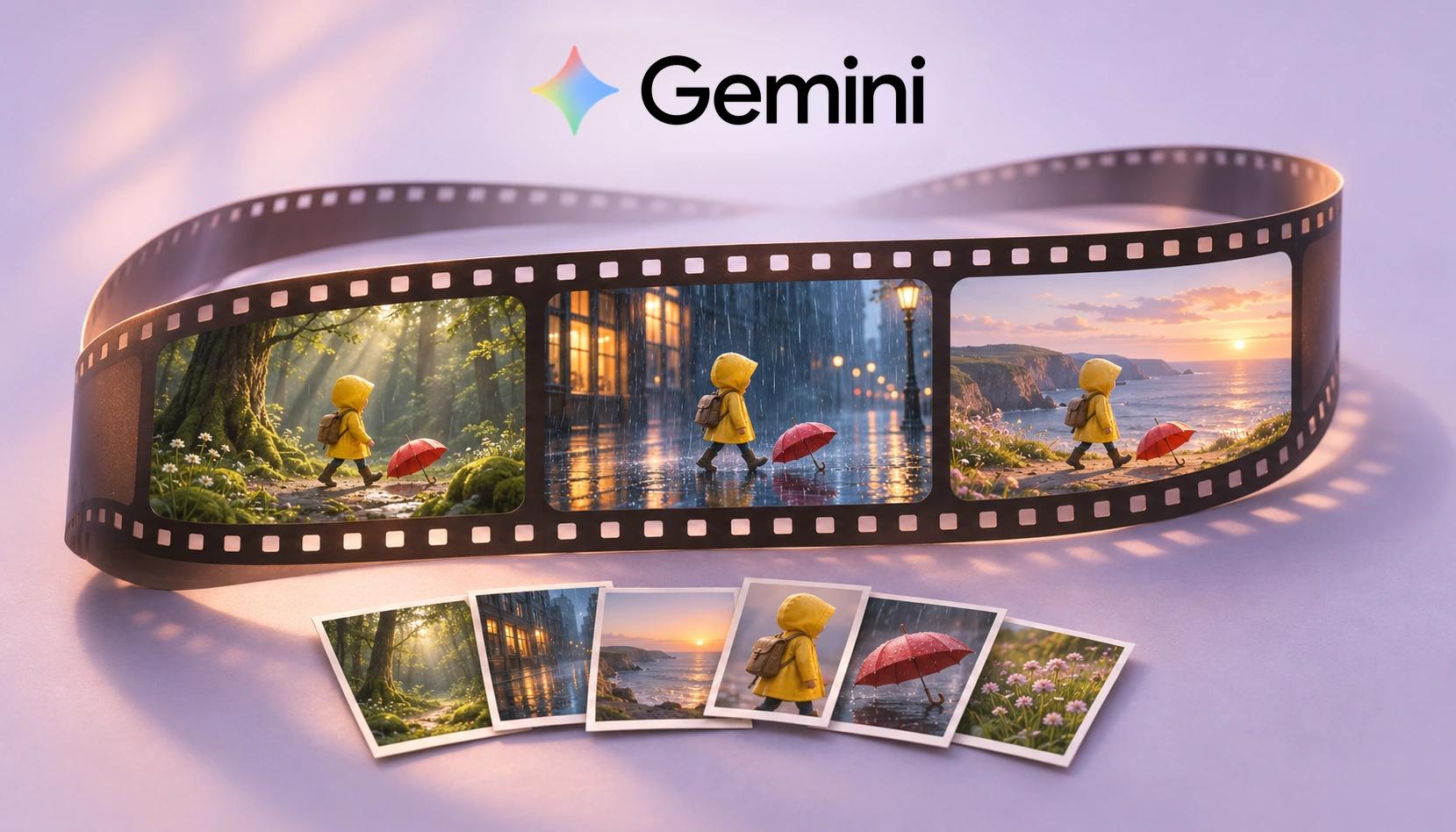
Featured image: AI-generated ByteForward editorial illustration with the official Gemini wordmark. Gemini is a trademark of Google LLC. ByteForward is not endorsed by or affiliated with Google. The illustrated frames are conceptual, not model output or a product interface.