Perplexity Computer connects Chrome tasks on Mac and Windows


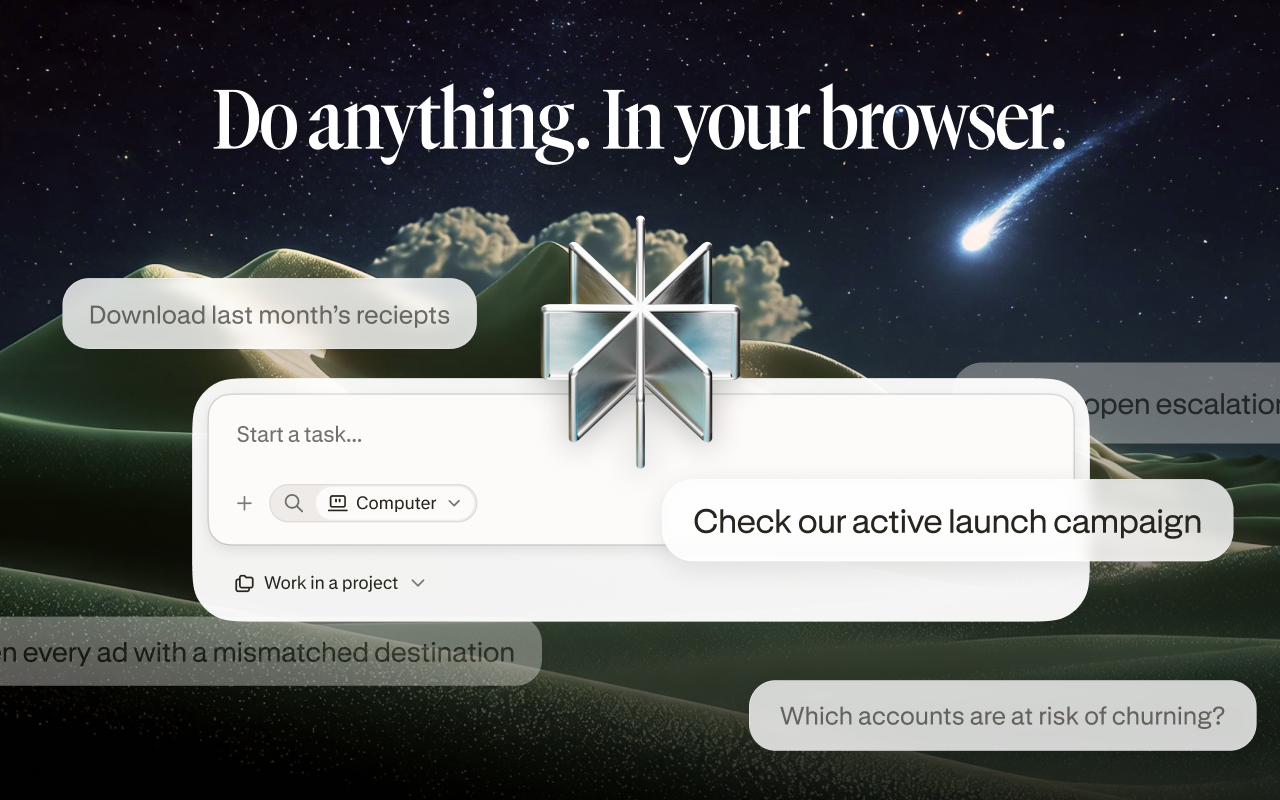
Perplexity says Computer can now use an existing Chrome session from both its Mac and Windows apps. Its October 30 announcement is about connecting desktop tasks to sites where the user is already signed in, rather than asking people to move their work into a different browser.
The official announcement says the feature is live for Computer users on both platforms. Its demonstration turns business reviews into proposed fixes and replies. That is a vendor example, not a ByteForward test, and the announcement does not establish free access for every Perplexity account.
What changed, and what was already available
This is not the first appearance of Chrome support on Mac. Perplexity’s October 5 changelog already described a browser extension for Mac version 26.38.0 and later, including login-dependent work and form filling. The newer announcement explicitly includes Windows. It does not provide an exact first Windows build number.
The current official Chrome Web Store listing shows version 0.0.7, updated October 31. It names Chrome, Edge, Brave, Arc and other Chromium browsers, while Comet has the capability built in.
The setup differs slightly by platform
| Environment | Connection path | What to check |
|---|---|---|
| Mac desktop app | Settings → Connectors | Select the browser containing the extension |
| Windows desktop app | Settings → Permissions | Match the selected browser to the installation |
| Comet | Built-in browser capabilities | No separate extension required |
Perplexity’s desktop requirements list macOS 15 or later and Windows 10 version 1809 or later. Those operating-system minimums are not a guarantee that an older installed app already exposes the latest browser integration.
Existing logins are useful, but change the scope
The store describes navigation, page reading, form filling and work across tabs, including signed-in dashboards and internal tools. Perplexity says it acts only during a task the user starts, in the selected browser, and does not collect browsing data in the background. These are the developer’s statements, not an independent privacy audit. The store disclosure lists authentication information and website content among the data handled.
A useful first task would be to summarize a clearly specified set of pages into a draft, then compare that draft with the originals. Gathering information and changing an account record are different decisions. A request to collect feedback should not silently become permission to post replies, alter customer data or submit forms.
Before connecting a browser, check which account is active on the intended site and whether the task belongs in that account. Google explains how to review an extension’s site-data access in Chrome’s extension settings. Available controls depend on the extension; this is not a promise that every restriction preserves its functionality.
The reviewed listing does not spell out a universal approval checkpoint for consequential actions. Readers should not infer one from the phrase user-started task. ByteForward has not installed the extension or tested its action safeguards.
Browser access also deserves a separate assessment from the cloud runtime described in our Perplexity SPACE coverage. A sandbox architecture does not, by itself, establish what an extension may do inside a signed-in local account.
Featured image: ByteForward editorial illustration based on Perplexity’s official icon. Abstract browser frames are illustrative, not product screenshots.