Sony brings QSSR AI upscaling to the standard PS5
Two games add an optional graphics setting as Sony adapts AI upscaling for the base console

Sony announced Quick Spectral Super Resolution on October 1 for standard PlayStation 5 consoles. QSSR comes from its Project Amethyst collaboration with AMD and brings AI upscaling to existing hardware.
Two games get the first option
Marvel’s Wolverine and Ghost of Yōtei were the first supported games. Sony said both were being patched on October 1 to add QSSR as an optional graphics setting.
A lighter path to AI upscaling
Sony says a smaller neural network and carefully tuned implementation make QSSR practical on PS5. Its developers report clearer details and steadier imagery. The company plans broader availability for PlayStation developers. This report does not include an independent image quality test.
What players should check
For players, the useful comparison is the same scene with each available graphics option. Look at fine detail while moving the camera, then check how the controls feel during busy scenes. A still screenshot cannot answer every question about a game in motion.
Check the patch notes for each game before expecting support. Wider adoption will depend on studios integrating the library into their games.
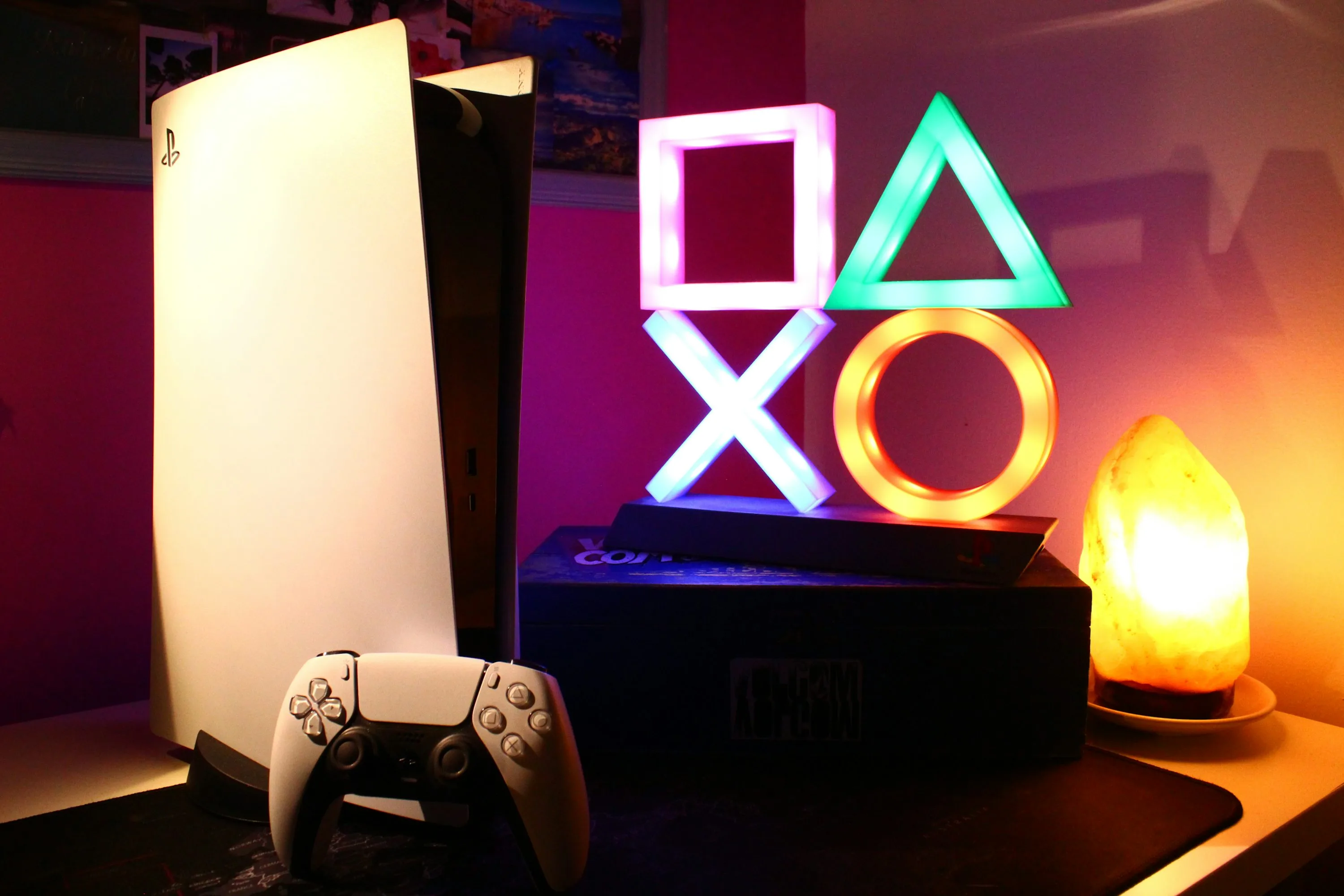
Archival PlayStation 5 photograph by Roberto Vincenzo Minasi, published in March 2024, under the Unsplash License. This image shows existing hardware and does not demonstrate QSSR output. Source supplied JPEG rendition with no local edits. No endorsement is implied.