Meta opens Muse Gadgets for ESP32 boards and Raspberry Pi
Muse Gadgets connects custom hardware to Meta’s agent, with setup and device limits that builders should check first.

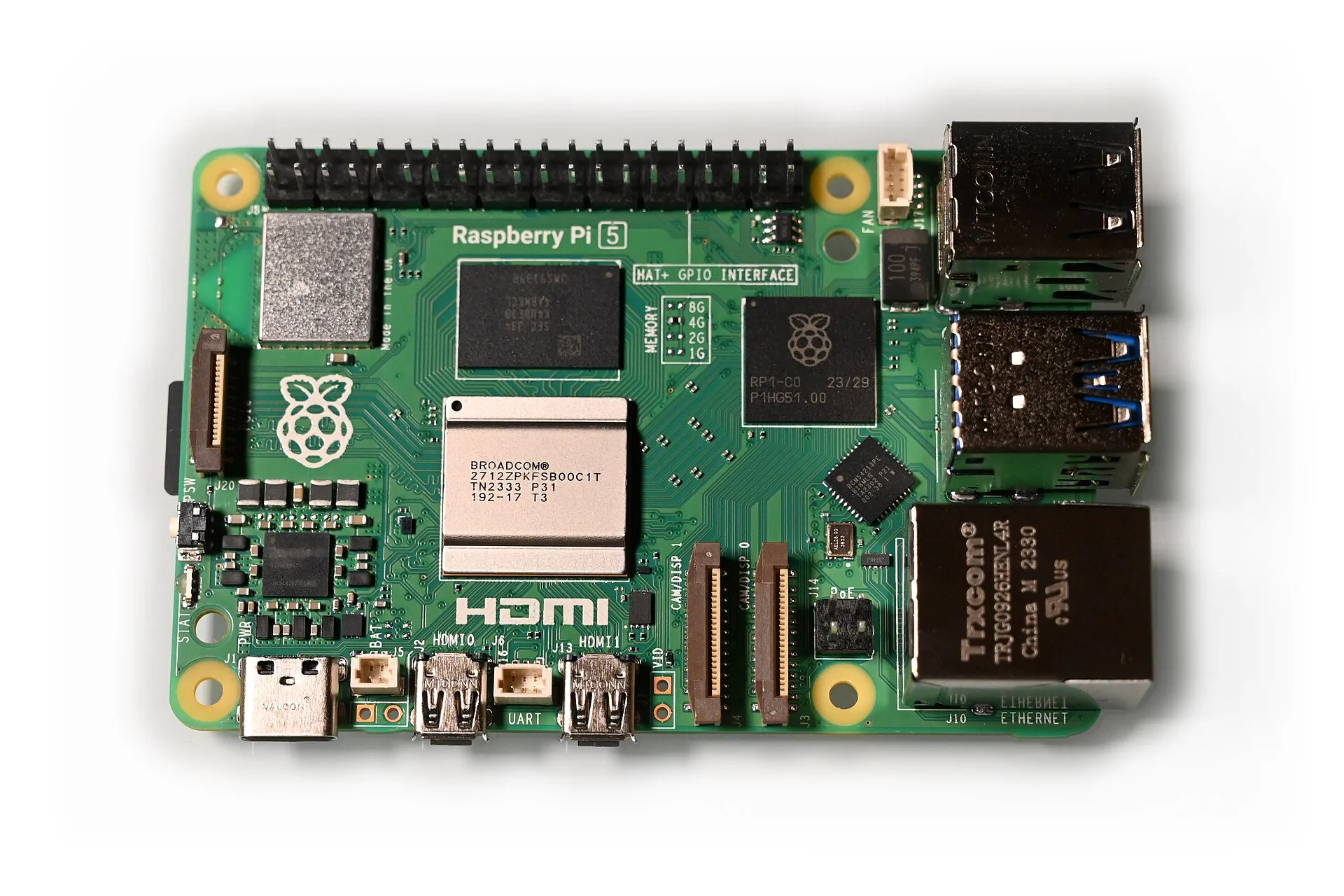
Meta has opened a hardware route into its Muse agent. Nat Friedman announced Muse Gadgets on October 2, releasing ESP32 firmware and a Linux software development kit so builders can make their own connected devices.
The official project site suggests attaching screens, buttons, sensors and other components to familiar hobbyist boards. Meta also offers a finished device called Muse Home Link for reaching compatible equipment on a home network. The useful distinction is how much hardware and software the owner wants to assemble.
Two routes for builders
The public SDK repository contains separate ESP32 and Linux packages. Both pair through the Muse mobile app after Developer mode is enabled. Every gadget needs an SDK token, including devices people build themselves, and the project points users to separate Gadget SDK Terms.
The code uses Apache 2.0, with exceptions for certain bundled components. The Jollybot avatar is excluded from that license. Developers should check those boundaries before redistributing a customized device or its graphics.
A Raspberry Pi becomes an agent endpoint
The Linux documentation supports Raspberry Pi computers with Bluetooth and other Linux machines with Bluetooth LE. Muse can run shell commands, read and write files, and report device health. That makes the kit useful for a home server or a small automation project.
The account choice matters. Muse receives the permissions of the account used for installation, including sudo access if that account has it. The installer can instead assign an account without sudo. Start with the access a project actually needs, especially on a machine that also holds unrelated files.
Board features and spoken replies vary
For smaller electronics, the ESP32 documentation lists boards with different display, audio and memory capabilities. Boards without PSRAM cannot run the home network tunnel, although Muse can still control the gadget itself. Check the feature list before choosing a board for controlling other devices.
The current documentation also describes written replies to spoken prompts. Supported devices send a voice note, Muse transcribes it, and screen equipped boards display the response. Spoken answers require connecting a separate speech synthesis service. A microphone and speaker on the board do not establish that the default software offers a complete voice conversation.
Home Link has narrower limits
Muse Home Link is Meta’s USB powered bridge for compatible devices and local HTTP interfaces. Its offer is limited to active Muse subscribers in the United States, one device per subscriber, with October shipping on a first come basis. Claiming a place in line is not an order.
The firmware is based on the open ESP32 SDK, but the Home Link unit itself only accepts official firmware and cannot be reflashed. Community skills can connect equipment such as speakers and televisions, depending on the setup. Meta warns that these skills can change or break and should not support home security, emergencies or medical needs.
ByteForward’s earlier Muse interface report covered experimental screen viewing and browser call controls. Gadgets adds a separate path for connecting the agent to physical equipment.
Illustrative Raspberry Pi 5 photograph by SimonWaldherr on Wikimedia Commons under Creative Commons Attribution 4.0. Existing reduced resolution rendition with no local edits. The board pictured is not a Muse Home Link.