ChatGPT adds virtual clothing previews and saved shopping products
ChatGPT now offers virtual clothing previews and saved product folders. OpenAI warns that generated images do not guarantee fit or accurate appearance.

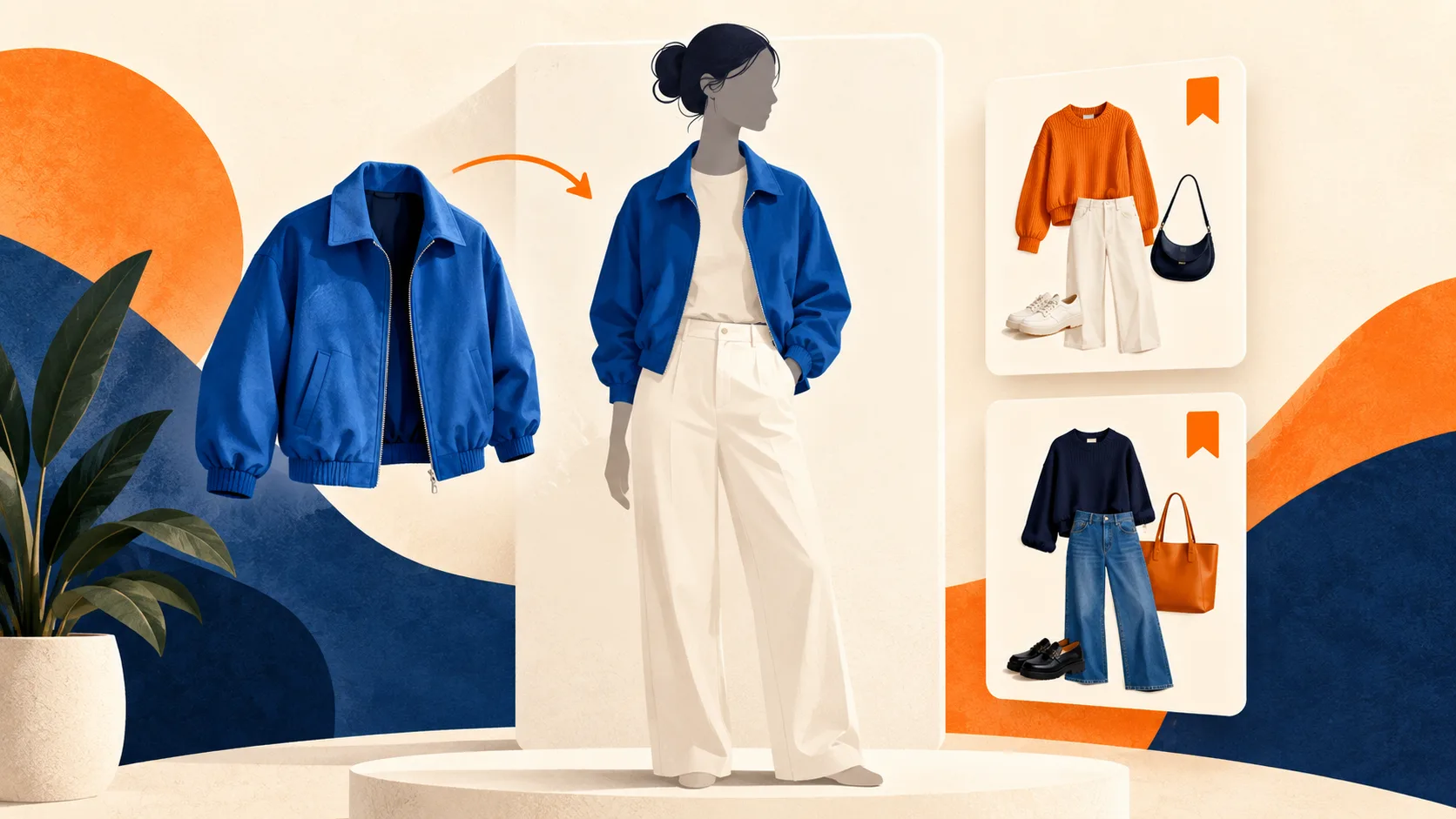
OpenAI added virtual clothing previews and saved shopping products to ChatGPT on October 1. The update lets people see a generated image of themselves wearing clothing or accessories, then keep products in Favorites or folders for later. OpenAI lists the new shopping features as available on mobile and web.
The practical limit is important. OpenAI warns that the generated preview may misrepresent both the item and the person wearing it. It does not establish whether a garment will fit. Measurements, product details and a retailer’s return policy still matter before a purchase.
A visual preview inside shopping results
The October 1 release notes describe a Try on button on clothing and accessory listings. Selecting it opens a flow for taking or uploading a selfie. ChatGPT Images then creates the preview. The same announcement introduces product saving, extending the shopping workflow from finding an item to keeping a collection of possible purchases.
For a shopper comparing outfits, the useful question is how an item might look alongside their appearance. A generated picture can help with that visual comparison. The purchase decision still needs evidence about the actual garment, including its construction and the seller’s sizing information.
Saved products and reusable photos
The shopping help guide says the bookmark icon saves a product to Favorites. Users can also create folders and revisit their saved items in ChatGPT Library. Reference photos are retained for future previews. To replace or remove one, open Settings, then Personalization, then Reference photos, select the picture and choose the relevant control.
The preview uses an image generation workflow
OpenAI’s existing ChatGPT Images documentation describes a system that can generate pictures from instructions or edit an uploaded image. Users can ask for further changes in a conversation or select an area for an edit. Generation can take a few minutes, depending on complexity, while the rest of ChatGPT remains usable.
The image editor also has a limitation that matters when evaluating visual details. A highlighted selection is not always exact, and an edit can affect areas beyond it. A clothing preview should therefore be treated as an image produced by the model. An appealing rendering alone does not verify fabric texture, precise proportions or how the physical item will sit on a body.
Check the merchant before buying
The shopping guide says the first price shown may come from the first listed merchant and may not be the lowest available. Merchant price and shipping changes can take time to appear. Reviews and ratings are not verified by OpenAI. These existing limitations apply when moving from a saved favorite or an attractive preview to a buying decision.
Photo management and training controls serve different purposes
People uploading a selfie may also want to review their account settings. OpenAI’s data controls guide explains that turning off Improve the model for everyone prevents new conversations from being used to train its models. For signed in users, the setting applies across devices. It does not remove existing chats from history.
OpenAI also notes that submitting feedback can allow the associated conversation to be used for training even after opting out. Available controls depend on the account and workspace. Those are general ChatGPT policies, rather than a new privacy arrangement announced alongside the shopping feature. Users should manage a saved reference photo through the specific photo controls and review conversation settings separately.
The immediate value is a shorter path from discovering a product to comparing its appearance and saving it for another look. The most useful habit is to keep the generated preview, the product listing and the seller’s factual specifications together when deciding whether an item belongs on a shortlist.
For more coverage of practical AI software, visit ByteForward’s Tools section.
Original editorial illustration created for ByteForward with AI. It is conceptual artwork rather than a product screenshot.