ChatGPT Space gives teams shared Pages with AI collaborators
ChatGPT Space and Pages bring people and AI into shared documents. Mobile editing, collaborative slides and a Keep Updated control remain unavailable at launch.

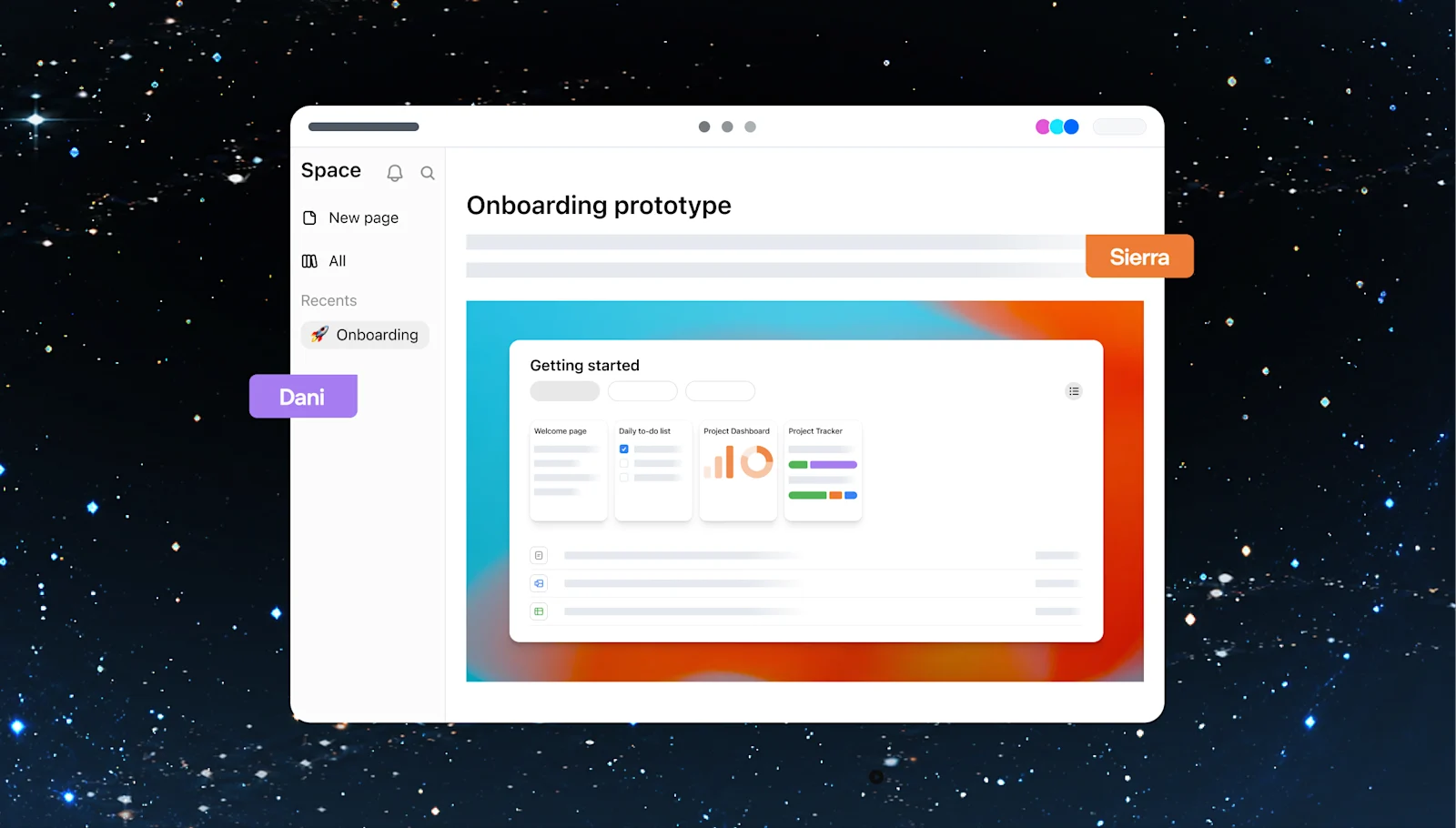
OpenAI introduced ChatGPT Space and Pages in its September 29 DevDay announcements. The product page describes a shared home for work that people and AI can edit together, available on Pro, Business and Enterprise plans.
Space replaces Library for those users. Pages are editable documents that can combine writing, images, charts and interactive material. The immediate attraction is continuity. A project can have a document that collaborators return to and revise instead of relying on an answer buried in an earlier conversation.
What is available on each device
| Surface | Published launch support |
|---|---|
| Web and desktop | Create, edit and collaborate on pages |
| Mobile | Find, read and share pages |
| Collaborative slides and spreadsheets | Coming soon |
Mobile creation and editing are still pending. Teams considering a switch should distinguish the features available for a live project from demonstrations of what will arrive later.
A page can hold the work and the discussion
The Pages guide describes direct editing, content blocks and child pages for related material. A page can start from an existing conversation. Selected text can be revised through Ask for change, while comments keep feedback attached to the relevant passage.
Prompt blocks provide reusable requests that readers can run. References to files and chats can keep supporting material close to a decision without copying all of it into the document. Interactive visualizations can also be created on a page.
For a team, that makes a compact project brief a sensible first use. Keep approved decisions at the top, link the underlying research and give unresolved questions their own section. That structure makes it easier to see whether an AI revision preserves a decision or quietly changes it.
Recurring updates need a separate setup
OpenAI’s guide to working with agents in Space includes an important launch limit. Keep Updated is not available at launch. Writing a recurring instruction on a page does not establish that a scheduled task exists.
The documented route is to request recurring work in chat, inspect the saved schedule and confirm that it is enabled. Users should then check an actual run and its resulting page changes. This matters because a document can look like an active dashboard while containing information that nobody has refreshed.
The same guide supports asking ChatGPT or a dot for edits inline or in comments, depending on access. The request should identify the intended change and leave room to review the result.
Sharing follows the document hierarchy
The collaboration documentation explains that access to a Space applies to its pages, and sharing a page also grants access to its child pages. Removing a direct invitation does not remove permissions someone still inherits from a parent.
The Space overview adds another distinction. Linked source files retain their original permissions. Text copied or summarized onto the page becomes visible to its readers. Sharing the page does not itself share private chats or saved memory.
For sensitive work, review both the page audience and the information that has been brought onto it. A private source link and a visible summary of that source have different consequences.
Our coverage of OpenAI’s NextSlide acquisition tracks its broader presentation ambitions. Space now offers a concrete collaboration surface, while several adjacent capabilities remain on the roadmap. The strongest first test is whether a team can maintain one useful, current and correctly shared document.
Official OpenAI illustration of a shared Space page. Image from OpenAI.