NVIDIA Cosmos 3: choosing a model for interactive simulation

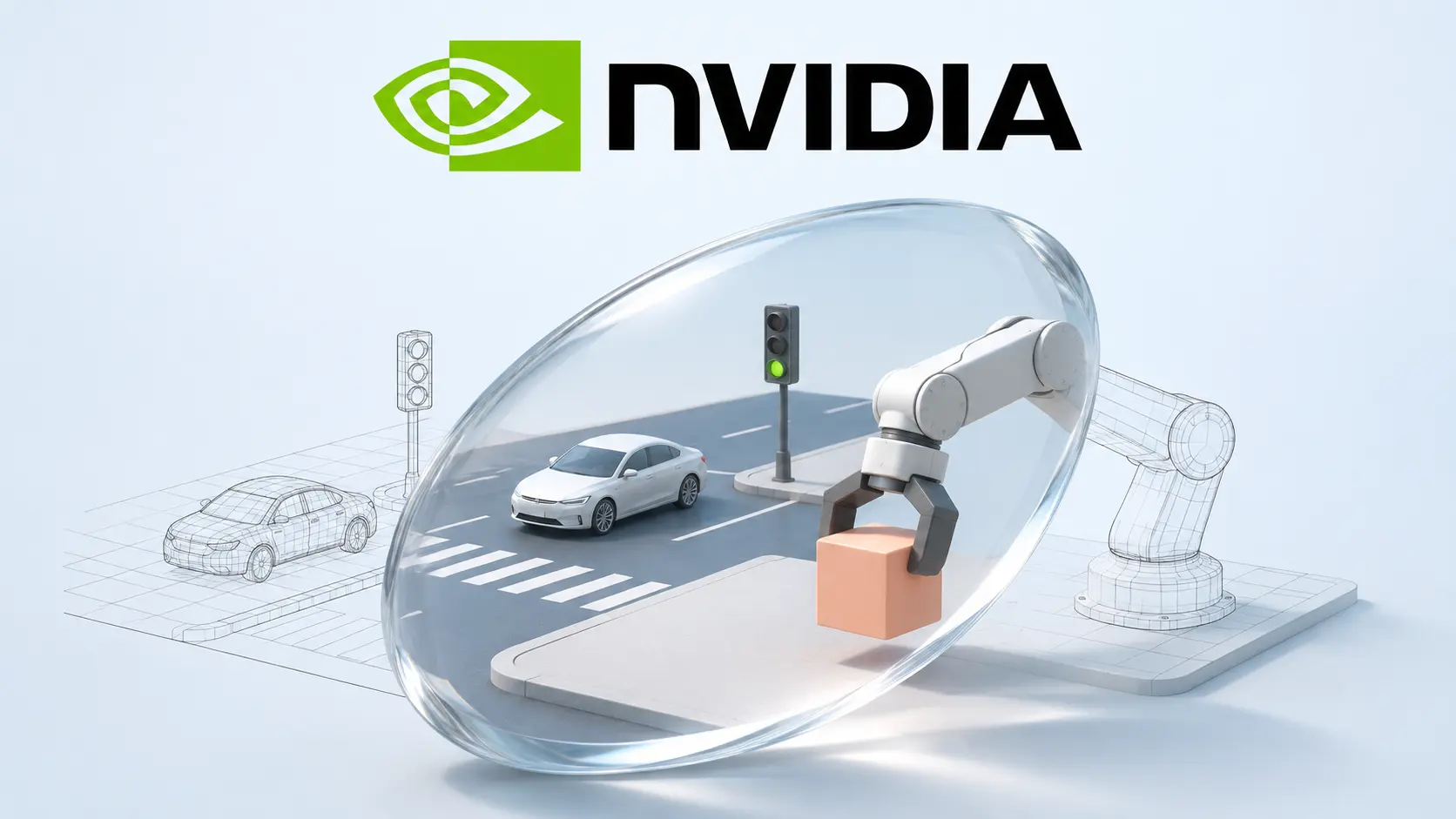
NVIDIA’s Cosmos 3 simulation checkpoints give developers four ways to generate observations for driving and robotics research. The choice depends on what your system already supplies: a structured driving scenario, live controls, a physics simulator or robot actions. These are components for building a simulation workflow, with different integration and validation requirements.
The official model cards date the releases to October 20, 2026. NVIDIA followed with a technical tutorial on November 2 and a Hugging Face explainer on November 5. This guide covers that existing release and its practical limits, rather than treating the newer documentation as a new model launch.
Choose the checkpoint by the observations you need
Transfer Auto creates offline driving data
Cosmos3-Nano-Transfer-Auto generates synchronized driving video across as many as 11 camera views, including fisheye cameras, and can generate LiDAR alongside RGB. World Scenario Maps supply scene structure and motion. Text prompts change appearance, including lighting and weather. LiDAR generation needs corresponding aligned controls.
This is the offline route for producing scenarios before a policy consumes them. A team adapting the system to a different sensor arrangement should start with that arrangement and its data contract, rather than assume a downloaded checkpoint knows every camera rig.
Sim Auto streams the next driving observations
Cosmos3-Nano-Sim-Auto is the streaming counterpart. It generates successive chunks using prior generated history and updated controls. The application still needs a runtime and a World Scenario Map renderer to translate driving inputs into the conditions the model reads.
That separation matters when planning an evaluation. Downloading the weights does not supply the entire closed loop. Your policy, control conversion and observation timing must work together before a generated journey can tell you anything useful about driving behavior.
Sim Transfer keeps physics in the simulator
Cosmos3-Nano-Sim-Transfer turns spatial controls such as depth, segmentation, edges or blurred imagery into RGB observations, with a prompt guiding appearance. The simulator remains responsible for physical state, motion and contacts.
For teams with an established simulator, this offers a way to vary visual conditions while retaining a separate source of ground truth. Validate that the generated view still agrees with the annotations. A convincing picture can be a poor training example if an object’s visible boundary no longer matches its label.
Sim Bimanual predicts observations from actions
Cosmos3-Nano-Sim-Bimanual starts from an image and uses robot actions or camera trajectories to generate later observations. Its card specifies an AgiBot embodiment. Other robot bodies should not be assumed to work without adaptation.
The action representation is part of the model interface. Units, coordinate frames, gripper values and timing need explicit checks. A request that runs successfully can still describe the wrong movement if those conventions differ from your robot’s.
For a separate research approach, our GreenWAM report explains how world prediction can be paired with action policies. That system is built on Cosmos 3 Edge and requires its own embodiment adaptation. It is not another Nano simulation checkpoint.
Read performance numbers with the full setup
The Cosmos simulation research page reports different configurations for different jobs. Its driving example generates seven RGB views plus LiDAR at 16.7 frames per second at 480p per view using 16 GB200 GPUs. Its Bimanual example reports 48.1 frames per second at 480p on one GB300. Those are vendor measurements of separate workloads.
Neither number supports a blanket promise of real time simulation on one GPU. When comparing options, record the camera count, resolution, chunk size, hardware and end to end delay. Also separate the frame rate of the resulting video from how quickly a server produces it.
Check the recipe before sizing the hardware
NVIDIA’s tutorial includes driving commands using four GPUs. Its separate memory table for general Cosmos3-Nano generation lists configurations with different precision and offloading choices. Those figures are not universal minimum requirements for every simulation checkpoint.
Start with the exact inference recipe for the selected model, then price and test that configuration. Include control preparation and output decoding in your measurements. If you reduce resolution or views to fit a machine, document that change before comparing its output with a published demonstration.
Open weights come with a specific license
The checkpoints use OpenMDW 1.1, which permits commercial and noncommercial use under its terms. Redistribution requires retaining the license and applicable notices. The license does not itself impose obligations on using or sharing outputs, and it provides no warranty.
Keep model licensing, source data permissions and deployment approval as separate checks. Access to the weights does not establish rights to every dataset or prove that a trained policy is suitable for a real vehicle or robot.
A useful pilot measures failures as well as appearance
The November explainer describes training on generated history to address errors that accumulate across a rollout. It also warns that a short successful training run verifies execution, not convergence. Longer episodes therefore deserve their own evaluation rather than an extrapolation from a short, attractive clip.
Our suggested pilot is deliberately narrow. Choose one camera arrangement and one task, preserve a fixed set of held out episodes, and compare results with and without generated observations. Inspect synchronization, object persistence, label alignment and task completion separately. Record failures that look visually plausible, because a human viewer may miss the error that matters to a policy.
For a different approach to controlled robot experiments, Ai2’s ToyBlocks separates planning and movement in a tabletop environment. The shared lesson is to make the experiment interpretable: change one component, preserve the comparison and keep real world claims within the evidence.
This guide is based on the published model cards, documentation and license. ByteForward has not run these checkpoints or independently reproduced NVIDIA’s performance results.