Google Vids adds Gemini Omni editing and personal avatars

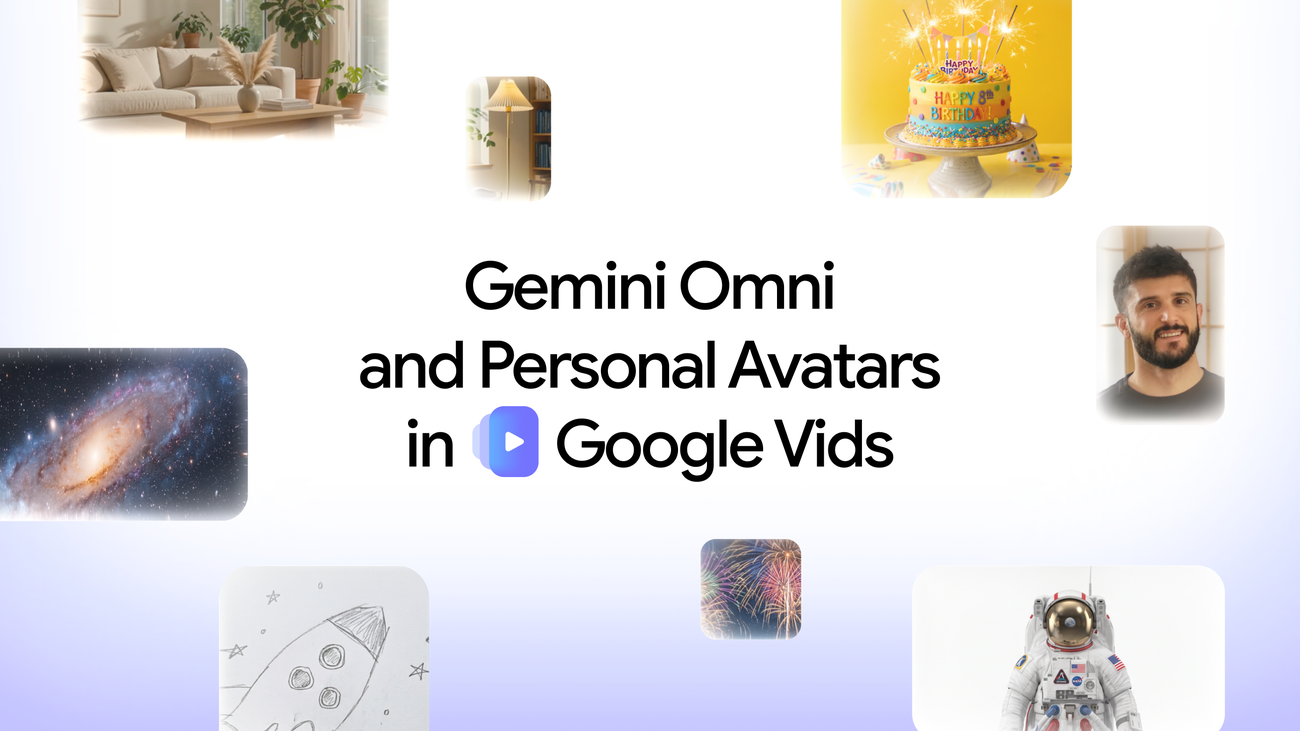
Google just made Workspace video feel less like a slide deck with motion and more like a generative editor. In a Workspace blog post, the company says Gemini Omni and personal avatars are rolling into Google Vids, so teams can prompt-edit clips and ship a likeness-locked talking head without booking a camera.
That is a product bet, not a research demo. The distribution channel is already where corporate video gets made.
What Omni editing changes in Vids
Vids already had Veo 3.1 for generation (rolled out to all Vids users in February, per Google). Omni is the edit layer on top. Start with a text prompt in natural language, optionally add image references — a photo or a rough sketch — and Omni mixes those inputs into a clip that matches the brief.
The sharper change is iterative control. You can chat refinements after the first draft: swap a background, fix lighting, add effects. That works on Omni-generated video or on a clip you shot on your phone. Google’s pitch is step-by-step edits without starting from scratch.
For internal updates and marketing drafts, the bottleneck shifts from timeline skills to how clearly you can describe the next change. That is the feature Microsoft Copilot video tools and standalone generators will be measured against inside the same enterprise seat.
How personal avatars are created
Personal avatars are the second ship. Upload a selfie and a short voice recording, type what you want to say, and the avatar delivers the message. No studio lighting. No second take because someone walked into frame.
Google’s framing is practical: quick video updates and personalized shout-outs when you do not have time to get camera-ready. The avatar is meant to look and sound like you. That is useful for async team messaging. It is also the feature that will attract the sharpest policy and trust questions from legal and security reviewers.
Who gets access on which plans
Availability, per Google: Google AI Pro and Ultra subscribers, plus Google Workspace business customers. Personal avatars are further gated — currently limited to users in certain regions who are 18 or older. Avatars are linked to a user’s Google Account and restricted to the account holder’s likeness.
Treat regional and age limits as live product constraints, not footnotes. If your Workspace tenant sits outside the initial regions, the Omni edit path may arrive before the avatar path does. Admins should not assume every paid seat gets both features on day one.
Likeness and policy risks to watch
Google says every generated clip carries an invisible SynthID digital watermark so people can verify AI origin. That is the transparency pitch. The harder problem is misuse of likenesses that look real enough for executive updates, customer outreach, or political spoofing — even when the official product tries to lock avatars to the account holder.
Analysis: age-gating and likeness-locking are the right defaults, but enterprise buyers will still ask who can approve avatar creation, where voice samples live, retention windows, and what happens when an employee leaves. Omni editing is the quieter productivity win. Personal avatars are the louder trust test. The next signal is admin controls in the Workspace Admin console — and whether SynthID detection shows up in the tools compliance teams already use.