Google Tabletop opens a waitlist for shared AI planning spaces

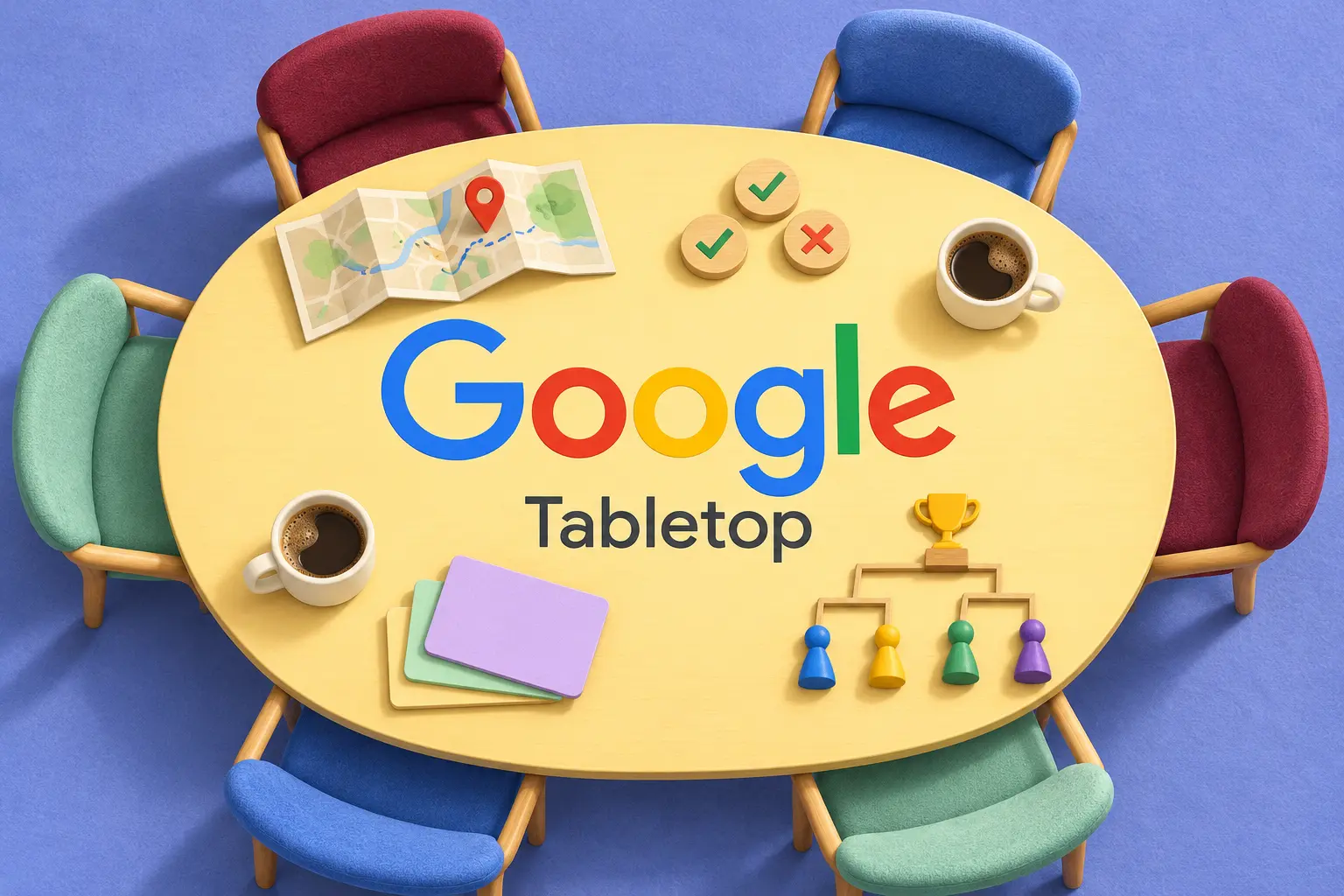
Google Labs introduced Tabletop on November 11, 2026, as a shared workspace for groups to build and use interactive tools together. Access is rolling out through a U.S. waitlist for adults aged 18 and over. It is an experiment, not a generally available replacement for your group’s existing planning tools.
In Google’s announcement, users bring links, files and ideas, then ask @tabletop or choose a template to create tools such as itineraries, dinner polls, expense splitters and tournament brackets. A shared invitation link lets a group work in the same space simultaneously. Those are Google’s descriptions, not findings from a ByteForward hands-on test.
How to get access to Tabletop
The official Tabletop landing page, also reached through labs.google/tabletop, currently offers a waitlist. It describes an invite-only rollout with new spaces opening each week. Joining the queue is not a promise of immediate access or a particular invitation date. The page presents examples for trips, clubs, events, home life and projects, and says users can ask the assistant to change an existing tool as their plans change.
No pricing commitment or usage allowance is stated in the announcement or the public pages checked for this article. Do not treat the absence of a price as a promise of unlimited free use. Before moving an active group project, confirm that the people who need to participate can actually get in.
Chat, interactive tabs and shared context
Google’s Tabletop FAQ describes three parts: chat, interactive tabs and shared context containing files, links and AI memories. Tabs are small web apps that update for collaborators. Users can prompt the assistant to build or modify them, or edit code directly. The assistant can also answer questions and summarize discussions.
The interesting shift is from asking an assistant for a finished plan to giving a group a tool it can keep using. A paragraph listing possible dinner dates is different from a poll whose state everyone can see. That distinction makes collaboration behavior at least as important as the initial generated result.
Check sharing and retention before inviting a group
The FAQ says spaces begin visible only to their creator, with administrators controlling invitations. Private tabs and restricted group threads are supported. AI memory stays within a space, and members can inspect, change or clear it. Leaving or being removed does not erase undeleted contributions from other members’ view. The FAQ directs users to support for manual exports and warns that administrators can delete a space and its contents.
For a low-risk first trial, use a fictional event rather than a live household budget. Agree on what counts as a final decision, then check whether simultaneous edits, changed rules and mistaken entries behave as expected. Keep the original information somewhere recoverable until you understand the export and deletion process. These are suggested evaluation steps, not a tested procedure.
A consumer workspace, not an interface protocol
Tabletop should not be confused with the developer work covered in our A2UI 1.0 compatibility guide. That concerns how agent-generated interfaces are described and rendered. Tabletop is a service people join to collaborate. Google’s announcement does not establish that Tabletop uses A2UI.
The practical question is whether a group can maintain a trustworthy shared state with less coordination work. The launch materials show the intended experience. They do not settle reliability, long-term availability or whether a particular group should replace the tools it already trusts.