GitHub upgrades AI secret detection and outlines new checks
Existing alert scans get a new model while additional checks have separate rollout and billing plans.

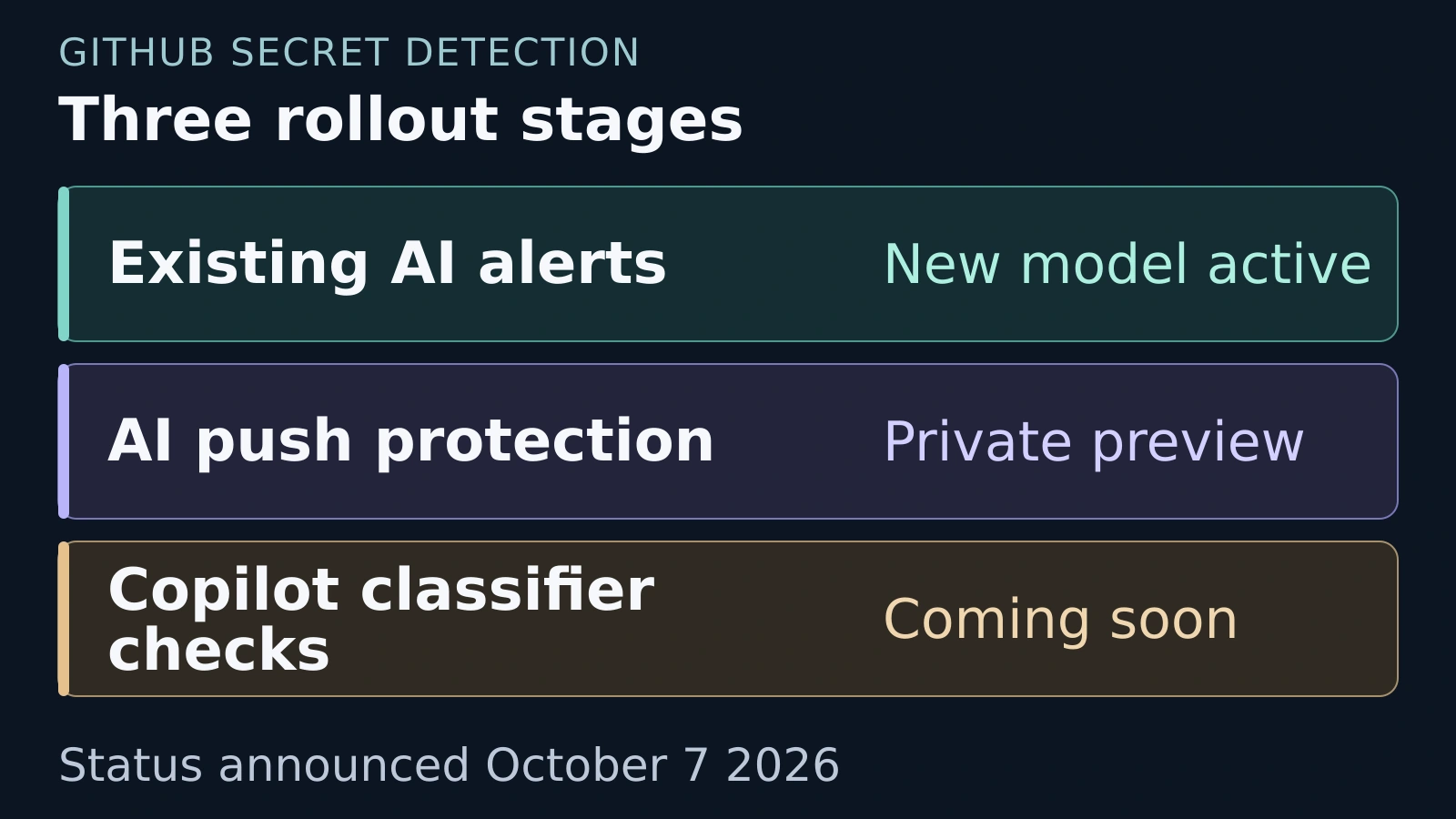
GitHub says existing AI secret alert scans moved to a new model on October 7. The automatic upgrade remains included with GitHub Secret Protection and GitHub Advanced Security. GitHub announcement
The classifier uses ModernBERT and reads nearby code to recognize possible credentials, including passwords without a standard format. GitHub reports that it evaluates batches in under two milliseconds. That is a vendor claim about model processing, not a measurement of the full developer workflow. GitHub explanation
AI push protection is in private preview. Classifier checks for Copilot CLI and Copilot app security reviews are coming soon in private preview. GitHub plans to charge AI Credits for these optional checks once customers enable the public preview. Rollout details
The Copilot additions will be off by default. Running an ordinary security review will not enable them, and a push check can use credits even when it allows the push. Billing details
Teams should distinguish a budget alert from a spending cap. GitHub’s documentation says a budget can notify an account without stopping usage. Where available, the option to stop usage at the limit must be selected to block additional spending. User level budgets enforce a hard stop. Budget documentation
Before adopting the extra checks, confirm which account pays and evaluate their findings on your own code. ByteForward has not tested the model, its accuracy or the complete scanning workflow.