Google AI Studio adds Cloud credit claims, with a $5 billing requirement

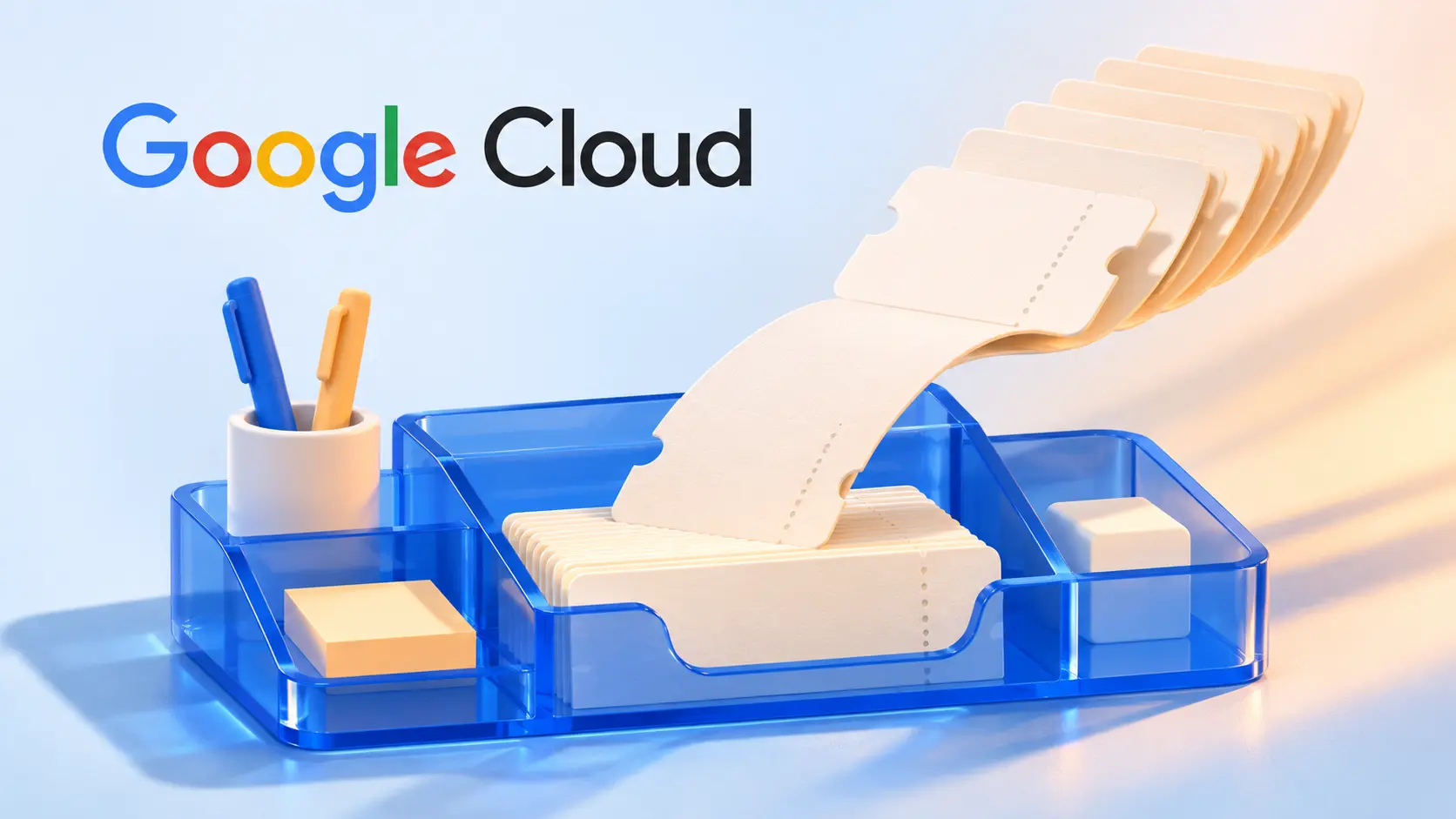
Google AI Pro and Ultra subscribers can now claim their existing monthly Google Cloud credits inside AI Studio. The change brings redemption and billing setup into the workspace. It does not turn a subscription into unlimited Gemini API access, and the advertised flow still requires a $5 minimum prepayment.
Google announced the integrated experience on November 13. These are recurring developer benefits already included with eligible plans, not a newly launched credit allowance. The linked setup guide carries an October 20 publication date.
Which plans include Cloud credits?
Google’s Developer Program benefits FAQ lists $10 per month for Google AI Pro, $40 for Ultra 5x and $100 for Ultra 20x. Google AI Plus does not include this Google Developer Program benefit. These dollar-denominated Cloud credits should not be confused with an app’s separate AI credit allowance.
Only the primary subscriber can claim the benefit, using the same personal Gmail account in AI Studio. It is issued once per account and can be applied to one billing account; other family-plan members cannot claim their own copy. Each monthly grant remains valid for 12 months from issue, rather than disappearing at the next monthly renewal.
The benefits FAQ says grants follow the monthly anniversary of the first developer-benefit activation, not necessarily the first of the month or the subscription billing date. Amounts are granted in USD and converted into the billing account’s local currency when redeemed.
What changes in AI Studio?
The November announcement describes credit alerts, in-product redemption and Cloud billing setup in one flow. If needed, redemption creates a Google Developer Program profile. Users can choose automatic application of future monthly grants, while the earliest-expiring credits are spent first. Balance and usage information are available in AI Studio billing.
The AI Studio setup guide takes users through choosing a project and API key, setting up billing, redeeming the benefit and linking a paid key. This is a billing-linked API route for an app or AI Studio workflow, not a promise that every model becomes free. Our Gemini 4 Carbon access and pricing coverage explains the separate paid model route.
Why the $5 payment still matters
The setup guide says the $5 remains available for API spending after promotional credits are exhausted. Requests can then consume that paid balance and subsequent top-ups. The subscription benefit therefore reduces eligible usage charges; it is not a substitute for checking which billing account and project will pay.
The Gemini API billing documentation adds an important qualification: prepaid accounts need their own funds before promotional credits can be consumed. Promotional credits are used first. Purchased prepaid credits expire after a year and are generally non-refundable, subject to the documented exceptions.
Spend caps are not an instant cutoff guarantee
Although the introductory guide presents project caps as a way to stop paid requests, the billing documentation labels them experimental and warns of roughly 10 minutes of processing latency. Long-running batches and agent sessions can exceed a cap before usage is halted. Prepay balances can also incur overages during that delay.
Before relying on a grant, check its expiry, the selected project, the linked billing account and remaining paid balance. The useful improvement is fewer setup steps for an existing benefit. It does not remove model rates, billing conditions or the need to monitor a running agent’s consumption. ByteForward has not redeemed credits or tested billing enforcement for this report.