Gemini API CLI gives coding agents a separate route to Gemini models

Google’s Gemini API CLI is aimed at developers who want an existing coding agent or CI job to call Gemini without embedding an SDK. Google’s October 27 beta announcement describes a shell client for text, media, file analysis and managed agents, not a replacement coding assistant.
That distinction matters when choosing what to install. A command-line interface can be an assistant that directs work, or simply a way for another program to request a result. Here, it is the latter.
Which Gemini tool fits the job?
Google’s CLI guide distinguishes gemini-api from the interactive @google/gemini-cli coding agent.
| Need | Tool to consider |
|---|---|
| Request Gemini output from a shell script or coding agent | Gemini API CLI |
| Work with an interactive coding assistant | Gemini CLI |
| Integrate Gemini into application code or a real-time Live API session | Google GenAI SDK |
The practical question is whether Gemini should direct the work or provide a capability within a workflow you already control.
Preview a request before making it
The official repository documents prebuilt binaries for macOS, Linux and Windows. An API key must be available to the shell or agent subprocess. Its README lists gemini-3.8-flash as the default text-generation model.
This illustrative command previews a request rather than running inference:
gemini-api generate "List three checks before shipping a release." \
  --model gemini-3.8-flash --dry-run
The repository says dry-run validation makes no network call and redacts credentials. Removing --dry-run makes an API request; the example above is documentation-based, not a ByteForward test result.
For a multi-step workflow, the repository recommends capturing generated file paths and interaction IDs. That lets the surrounding agent keep track of an asset or retrieve a background task rather than treating every command as an isolated answer.
Beta limits worth designing around
The guide warns that minor-version updates can break compatibility and recommends pinning releases in automated environments. It also specifies:
- Inline files are limited to 14 MB before encoding. Larger inputs need the Files API; uploaded files expire after 48 hours.
- JSON or
--jqoutput on streaminggenerateandagent runcommands needs--stream=false. - The client supports HTTP, server-sent events and polling, not the bidirectional WebSockets used for real-time Live API sessions.
Treat the CLI version, output format and file lifetime as workflow dependencies, not incidental settings.
Open-source client, model-dependent costs
An open-source wrapper does not make inference free. Google’s pricing page lists limited free-tier access and model-specific paid rates. For Standard Gemini 3.8 Flash, paid input is $0.75 and output, including thinking, $3.75 per million tokens through December 31, 2026. Those rates become $1.50 and $7.50 on January 1, 2027. Media and managed-agent work should be checked against their own pricing rather than that text-model example.
The announcement and the code have different timelines
October 27 is the beta-announcement date in Google’s API changelog, not the first repository release: GitHub lists v0.1.0 on May 19. The latest listed release at this November 1 review is v0.4.5, dated October 30. Its notes include a changed default transcription model and a fix making background agent runs non-streaming by default.
For teams already using an agent or scripted pipeline, the useful addition is a separate Gemini capability they can invoke explicitly. It is not evidence that switching coding assistants, or upgrading blindly to every CLI release, is necessary.
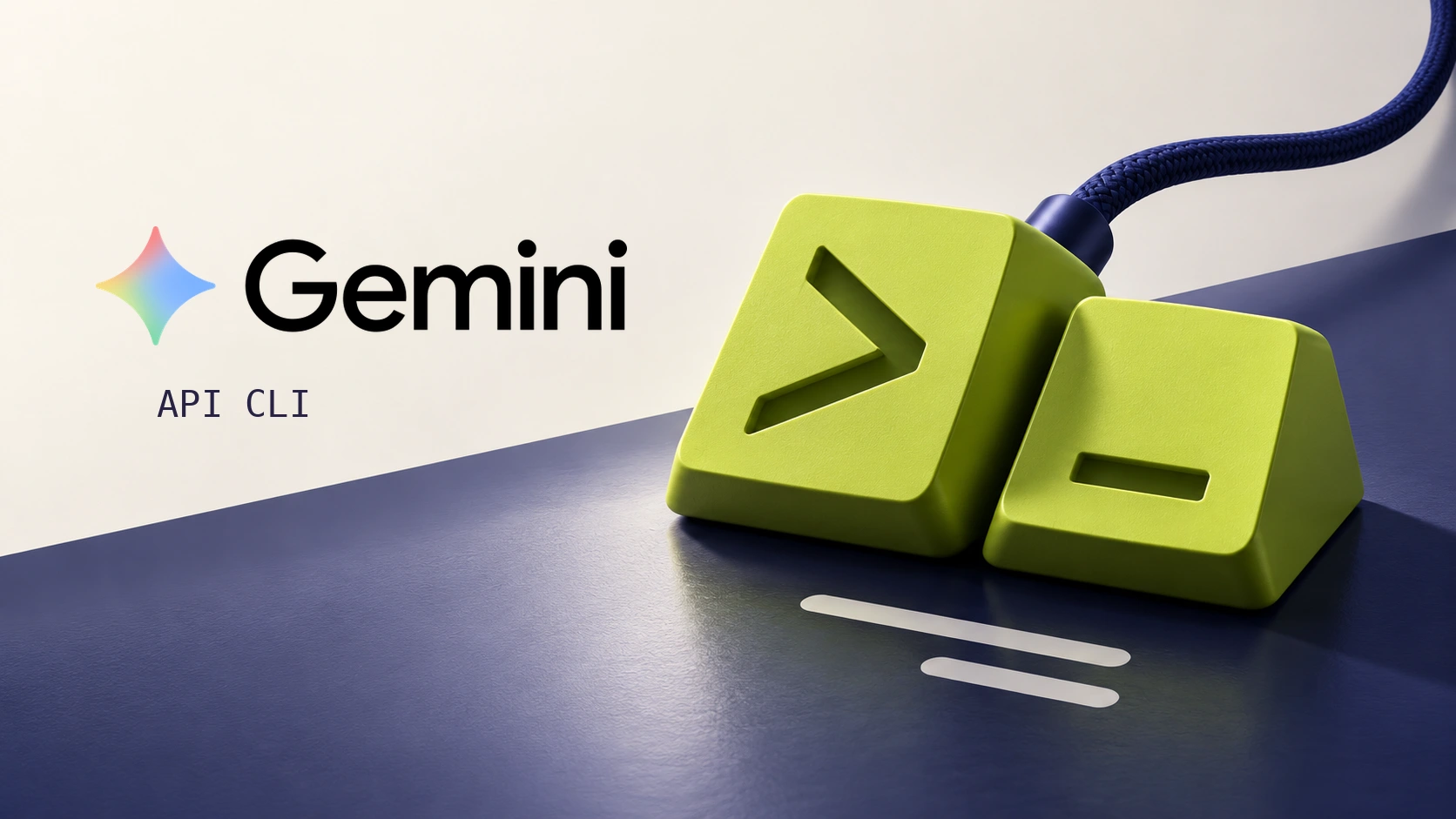
Featured image: AI-generated ByteForward editorial illustration with the official Gemini wordmark. Gemini is a trademark of Google LLC. This article is not affiliated with or endorsed by Google. The keys are a conceptual illustration, not a product screenshot.