Amp adds desktop access to runners on Macs and Linux

Amp added desktop viewing and control for runners on macOS and Linux on October 16, 2026. The runner desktop announcement focuses on trying native software that its coding agent builds, including an iOS app running in a simulator on a Mac.
The update extends a capability Amp previously offered in its cloud environments, called orbs. Its September 4 release gave orb threads an interactive Linux desktop for checking applications, browser extensions and files that need desktop software to open.
Checking software on a specific machine
A runner uses a machine the developer already controls. Amp runner desktops make that machine available through a Desktop tab in a browser or the Amp iPhone and iPad apps. The documentation describes trying a finished app, handling a dialog that blocks a thread, or watching Amp use native software and taking over.
To enable the feature, start a runner with amp --no-tui --desktop, or turn on Share This Mac’s Display in the Mac app’s Runner settings. Amp says the client can connect directly to the runner, making nearby machines a useful option for responsive interaction. That performance claim comes from Amp.
The Mac app already starts runners without a separate terminal. Its optional awake setting works while the Mac is plugged in. Closing a laptop lid or switching to battery still allows normal sleep, which matters when planning to use a machine remotely.
Different desktops on each platform
On macOS, the feature shares the Mac’s display and requires Apple Silicon, macOS 26 or later, the arm64 CLI, and Screen Recording and Accessibility permissions. Linux creates a separate virtual desktop and leaves the existing desktop session untouched. Sharing an existing GNOME, KDE or X11 session is not supported. These limits are set out in the runner requirements.
Access also follows collaboration permissions. Anyone who can write to a thread on the runner can view and control its desktop, according to the same documentation.
ByteForward’s look at Computer Use Turbo offers a useful evaluation checklist for desktop agents, including permissions, focus interruptions and observable results. Those checks also help assess a runner desktop before it becomes part of everyday development.
Shared machines carry shared access
Amp introduced workspace sharing for runners in September. A shared Mac can give a team access to a particular build environment, while a machine with GPUs or a required network connection can serve other specialized work. The desktop feature gives those workflows another way to inspect what an agent produces.
Amp warns that people using a shared runner execute code as its owner, with access to that machine’s files, credentials and existing logins. Threads can also touch the same directories concurrently. Its recommendation is to share only with trusted people and preferably dedicate a machine to the runner. That is a useful starting point before enabling a shared desktop.
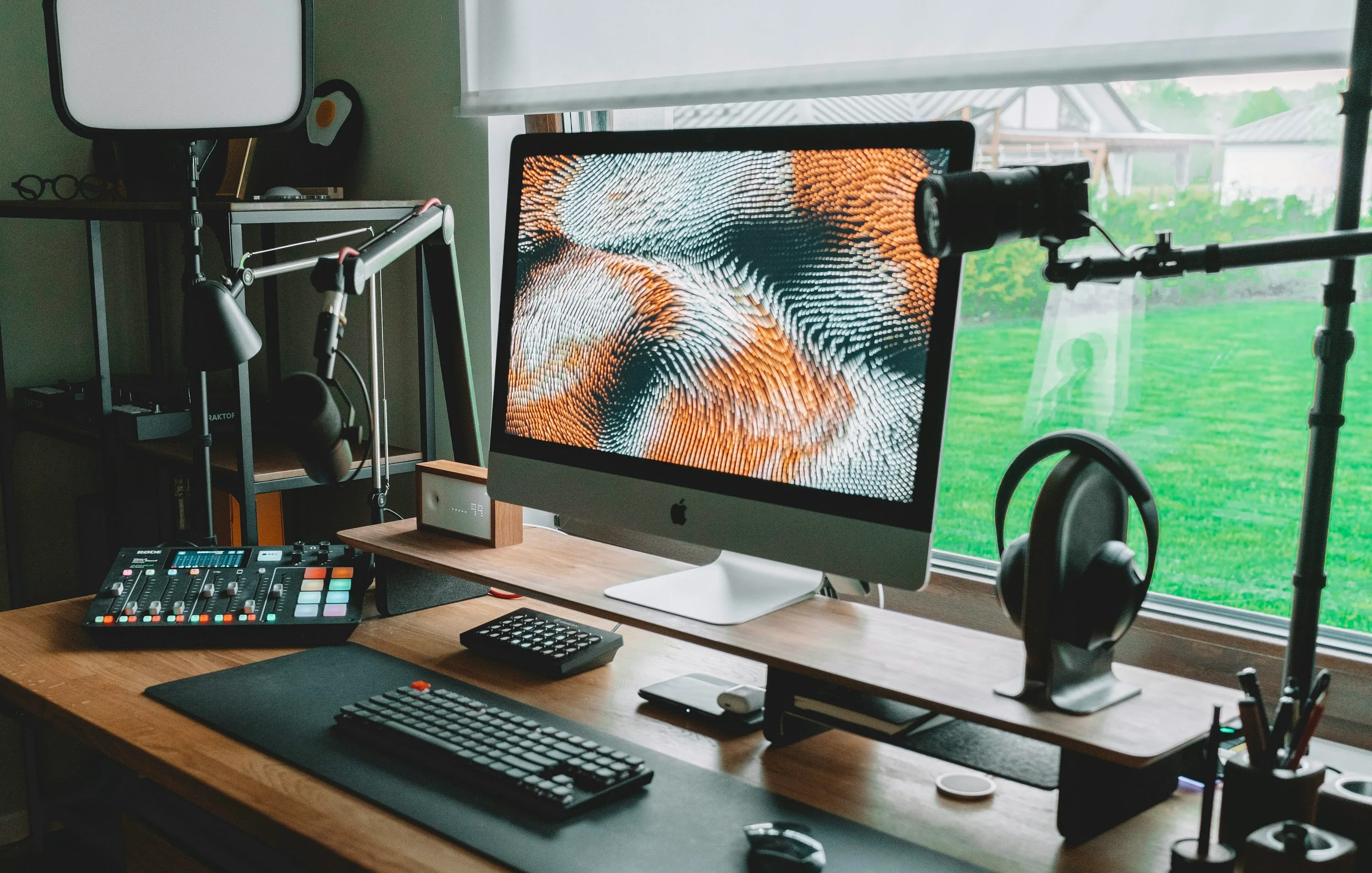
Illustrative desktop workspace photograph published in 2025. Photo by Stefan Hiienurm on Unsplash, used under the Unsplash License. The photograph does not depict Amp or establish runner compatibility.