Claude Code plugin brings visual review into the terminal

The third party claude-show-your-work plugin brings screenshots and recorded demonstrations into the Claude Code terminal. Developers can inspect a change beside the conversation, compare versions and jump to marked moments in a recording. Its value depends on the evidence supplied to that viewer.
The immediate news is compatibility work. The October 15 release of version 0.6.9 fixes pictures disappearing in Warp after a restart. Version 0.6.7, released earlier that day, added a control for enabling pictures in Warp, WezTerm and Konsole. GitHub records repository creation on October 8. That timestamp establishes when the repository appeared, rather than an independently verified public launch date.
What changes in a screenshot workflow
Playwright already supports saving screenshots of a page or a particular element. It also supports recording test videos, with recording disabled by default. Teams using those features can already retain visual evidence. This plugin adds a place to inspect the resulting files within the coding conversation.
The project guide describes asking Claude to record the same steps before and after a change. The viewer can play both recordings together, associate changes with timestamps and retain earlier versions. For a developer adjusting a form or a page layout, that could make a review easier to follow than several separately opened files. We have not measured a time saving.
A green check still needs evidence
The display tool definitions accept check results, including a passed status and optional expected and actual values. The player code uses supplied status values to color its results. A green mark therefore represents a reported check. The display itself does not independently establish that the application meets its requirements.
Consider a billing toggle that should switch a page from monthly to annual prices. A useful review would show the same interaction on both versions and retain an assertion against the expected price. A recording of the button changing color would leave the price calculation unresolved. The question is what the check actually protects, also explored in ByteForward’s coverage of generated tests.
For repeatable visual regression checks, Playwright’s screenshot comparison feature compares a later capture with a saved reference. Its documentation warns that rendering varies with the browser environment and recommends keeping that environment consistent. Watching two recordings and running a screenshot assertion provide different evidence. Choose the evidence that matches the failure you need to catch.
Check the terminal and the session
The project’s current setup documentation specifies Claude Code 2.1.286 or later, a terminal supporting the kitty graphics protocol and ffmpeg for video. It lists macOS, Linux and Windows. Ghostty and kitty display pictures directly, according to the guide. These are the maintainer’s compatibility requirements, which we have not tested across those platforms.
For Warp, WezTerm and Konsole, the guide says to select Turn on pictures and restart Claude Code. That control adds a terminal specific line to a shell profile, setting CLAUDE_CODE_FORCE_TERMINAL_IMAGES=1. Turning it off removes the line. This is a persistent configuration change that a developer should understand before accepting it.
The drawing notes identify a separate restriction. Background sessions, agent views, forks and sessions opened through claude attach cannot draw pictures. A supported terminal alone does not resolve that restriction. A tmux session also needs graphics passthrough for the display to work.
Know what the preview leaves out
The architecture notes explain that the display operation returns text to Claude while rendering the media for the person at the terminal. Showing a screenshot this way does not automatically give Claude its image contents to inspect. Anthropic’s plugin overview also describes context overhead from enabled components. Local rendering should therefore not be read as a promise that the surrounding agent workflow consumes no tokens.
The video documentation describes sampling at up to 12 frames per second and a maximum of 3,600 frames for a clip with a known duration. Five minutes uses that frame budget at the full sampling rate. The frame preparation code applies a 256 color palette over SSH, while local frames remain in full color. For judging fine gradients or fast animation, inspect the original recording too. The preview is a convenient view of the evidence with its own rendering limits.
Review the installation and update behavior
The code is published under the MIT license. Installation is through the maintainer’s GitHub marketplace source.
Anthropic’s plugin security guidance warns that installed plugins can execute code with the user’s privileges, including components outside the tool sandbox. Review the source and follow team policy before installation. ByteForward’s guide to Claude Code mods explains the wider customization model and its access implications.
The updater documentation says Stable follows the releases branch and Latest follows a separate branch. The plugin checks daily and can install newer versions for the next session. A tag pinned installation stays on that tag. SHOW_YOUR_WORK_AUTO_UPDATE=0 disables the updater. Older saved update preferences are no longer read, so an existing installation deserves a configuration check rather than an assumption that an earlier choice still applies.
The maintainer’s privacy policy discloses optional usage counts sent to PostHog. Those include event counts, software versions, terminal, operating system, ffmpeg availability and a random installation identifier. The policy says media, prompts and conversation contents are excluded. Usage sharing can be disabled in settings. These are the maintainer’s disclosures, rather than the results of an independent traffic audit.
The storage notes also describe local copies of displayed media in .show-your-work for version history, plus temporary converted images and video frames. Treat those retained files as part of the project’s data handling. A screenshot containing customer information remains sensitive after it has served its review purpose.
Start with one reviewable change
A sensible first evaluation is a short flow with a known expected result, using non sensitive sample data. Keep the original recording, the assertion and the code revision together. Check the preview against the original, then decide whether reviewing it in the terminal improves your workflow. The strongest fit is a developer who already produces visual evidence and wants it close to the agent conversation.
We reviewed the repository, technical documentation and release records. We did not install the plugin, run its tests or independently verify its performance.
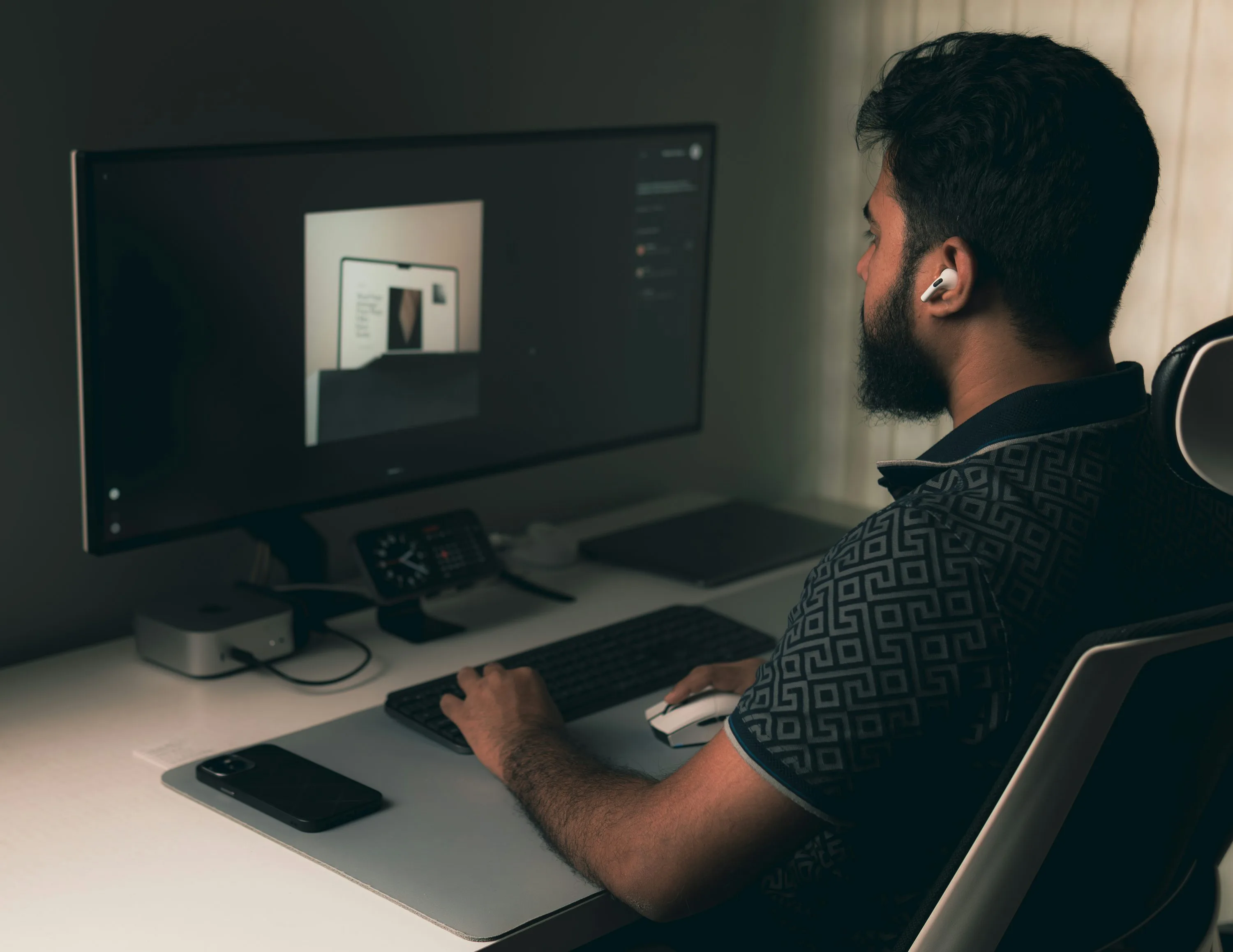
Illustrative photograph of a visual design workspace, published in 2025. Photo by Mahmudul Hasan on Unsplash under the Unsplash License.