Mistral launches Vibe Desktop for local and cloud coding

Mistral announced Vibe Desktop on November 17, 2026. ByteForward first published this report on November 21, 2026 UTC.
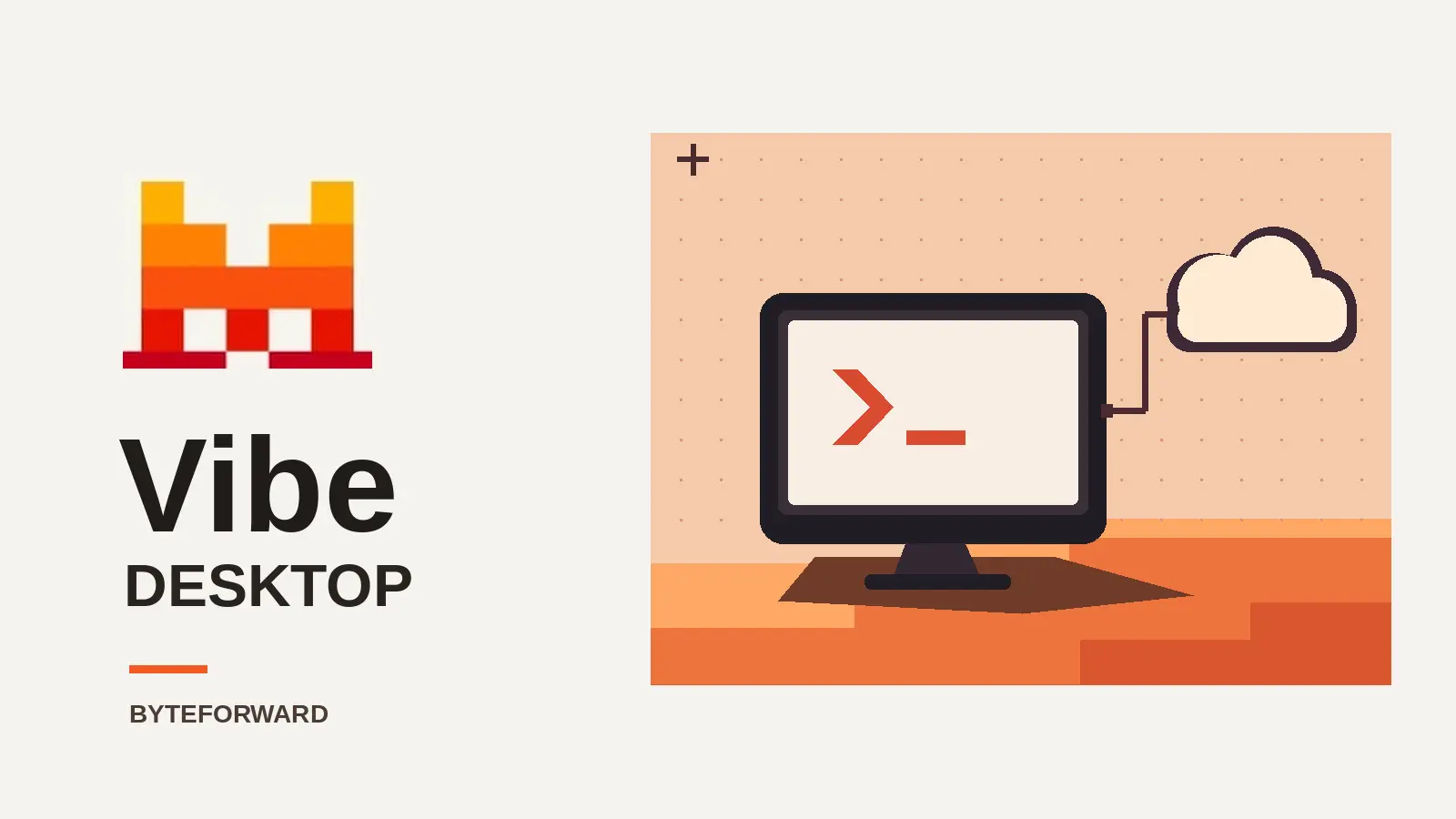
Mistral has made Vibe Desktop generally available for macOS and Windows, bringing Work, local coding and cloud coding into one application. The November 17 release notes describe a new desktop interface, not a new foundation model. Linux support is listed as coming soon.
Local and cloud work in one place
The app lets developers inspect files, commands and pull requests beside a conversation. It also supports parallel tasks, background processes and Git worktrees. For productivity work, local folders can supply context to Vibe Work alongside connected tools. These are documented capabilities, not results from a ByteForward hands-on test.
The practical benefit is less switching between a chat, terminal and review window. That does not remove the need to identify where a task is running. A local checkout and a managed cloud environment can have different dependencies, available files and credentials.
Shared engine does not mean identical behavior
Mistral’s Desktop documentation says local sessions share the CLI’s core agent engine and session logs. The application does not embed or launch the CLI, and users do not need a separate CLI installation. Tools, implementations and prompts can differ between interfaces.
Local sessions work with the machine’s files, shell, services and development environment. Cloud sessions provide the other route within the same app. Choose the location before judging a result: a change that passes in one environment still needs verification in the environment where it will be used.
If you prefer the terminal, see our Vibe CLI coverage for the context checks and settings changes in Vibe 3.1.
| Where you work | What to check before starting |
|---|---|
| Local Code session | Open the intended checkout and confirm the local dependencies and edit permissions. |
| Cloud Code session | Confirm the managed sandbox has the branch and dependencies you need. A local file or service is not automatically available there. |
| Vibe Work | Add only the folders needed for the conversation. This is separate from choosing a Code environment. |
Review permissions before delegating changes
The Vibe Code overview says file edits are applied without a prompt by default, while sensitive actions such as shell commands require approval. The documented ask agent adds review of file edits. Behavior is configurable by agent and environment, so do not assume every session uses the same rules.
Mistral also warns in its permissions guide that smart approval is a classifier, not a sandbox. Reducing prompts does not restrict the access available to the process. That distinction matters more than the convenience of a single interface when working with unfamiliar repositories.
Start with a bounded task
The getting-started guide begins with signing in to a Mistral account and opening a repository in Code. Its recommended first exercise is a small, verifiable change, followed by inspecting the diff and test output. A worktree, delegated agent or pull request is not required for that first task.
For an initial evaluation, keep the result narrow enough to inspect completely. Record what changed, which commands ran and whether the relevant tests passed. The release establishes desktop availability, not a guarantee of coding quality or unlimited usage. Plan entitlements and any usage charges should be checked before relying on the app for ongoing work.