Gemini Tasks goes free in six countries, with purchase controls to check

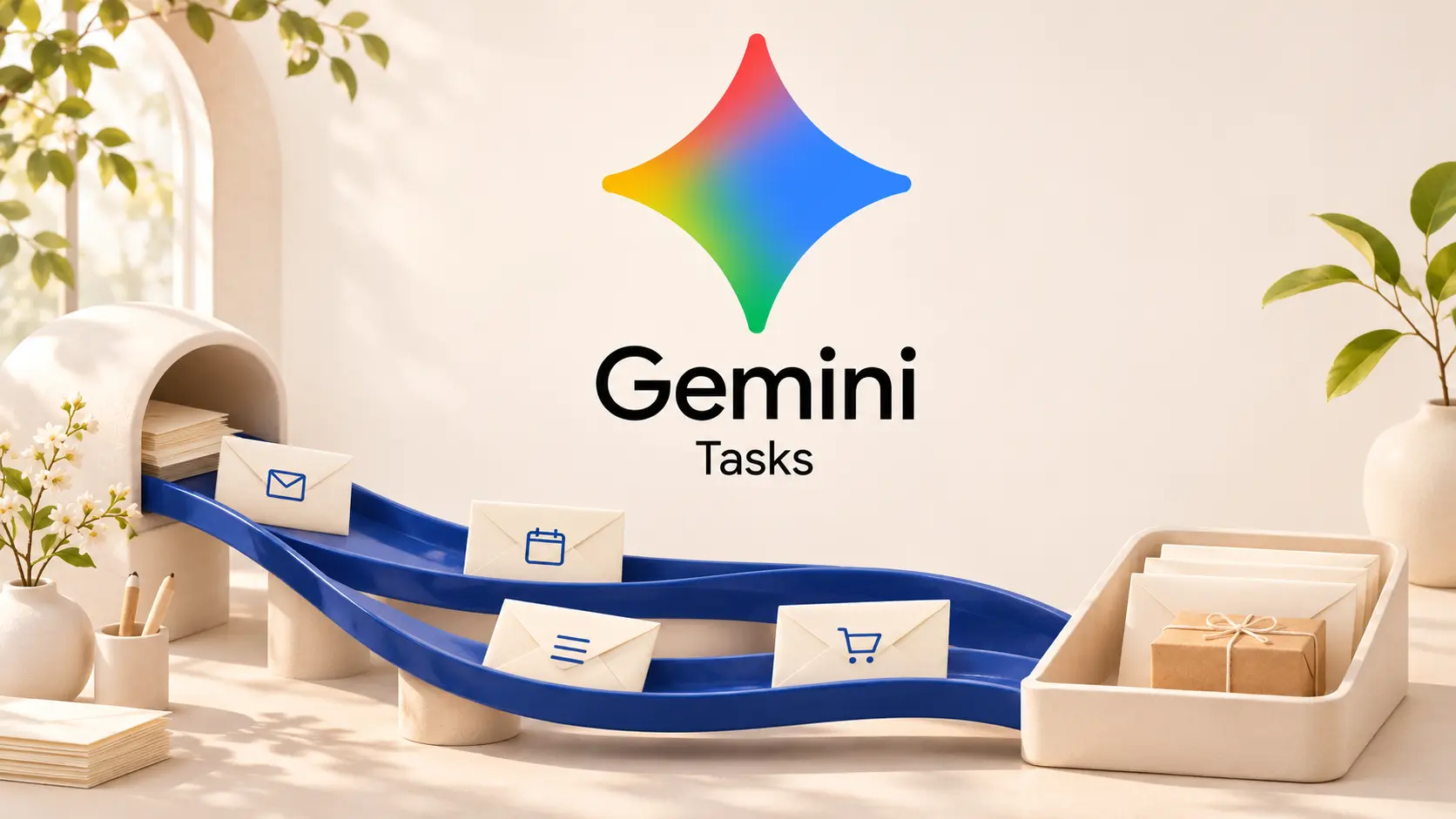
Google is making Tasks in Gemini free in six countries, while adding more ways to hand over work through messages, email and shopping requests. The November 17 rollout runs on Hydrogen 4, according to Google’s release notes. This is an access and feature expansion, not a new model launch. Availability differs by feature, and free access does not mean unlimited usage.
Who gets free Gemini Tasks?
The Tasks help page lists Australia, Canada, India, Japan, South Korea and the US as subscription-free markets. Users must be at least 18, use a personal Google Account and enable History. Work and school accounts are excluded.
Elsewhere, Google requires AI Pro or Ultra where Gemini Apps are supported, excluding the European Economic Area, Nigeria, Switzerland and the UK. Tasks are listed for mobile, Mac and the web. Google caps simultaneous tasks at 15, with compute-based limits that vary with subscription and workload.
These are background assignments rather than ordinary chat reminders. Google describes recurring briefings, research and multi-step projects. The practical change is a lower entry barrier to delegation, not a promise that every account can use every channel or complete every action automatically.
Shopping has a confirmation setting worth checking
The announcement describes Google Pay checkout with explicit approval. However, Google’s purchase documentation also describes a configurable Purchase confirmation setting. It is on by default, but turning it off allows transactions to complete when the user’s conditions are met without another confirmation.
Purchase tasks require a US personal account, age 18 or older, English, History and a payment method in Google Wallet. The documented maximum budget is $1,000, with an expiration date within 14 days. Changing an existing purchase task requires cancelling it and creating another. Check that confirmation setting before treating a task as a watch-only price alert.
Texting and email are different ways in
The release notes announce texting through Google Messages and iMessage in English for eligible US adults with personal accounts and supported carriers. Google’s Android instructions require RCS and matching accounts and phone numbers. They also warn that texts are not end-to-end encrypted. Texting supports creating tasks, checking progress and discussing existing work.
Email works more narrowly. After enabling Email with Gemini, eligible US users can send requests to [email protected] from their personal Gmail account, including through compatible Apple Mail or Outlook setups. The rollout is in English. It creates a new task rather than supporting an ongoing email discussion. Automatic forwards, non-Gmail senders and messages with more than ten attachments are unsupported. Inline images count toward that limit, but Drive links do not.
Calls and supervision remain separate questions
Google also announces calls to US businesses for requests such as stock checks and quotes. The stated workflow includes reviewing the call plan, AI disclosure and business opt-outs. Google says the assistant will not disclose payment or sensitive account details over those calls.
Start with a bounded task whose result you can check. Broader access makes experimentation easier, but the differences between creating a task, approving a purchase and continuing a conversation still matter.