Google Maps comes to AI Studio with free daily demo quotas

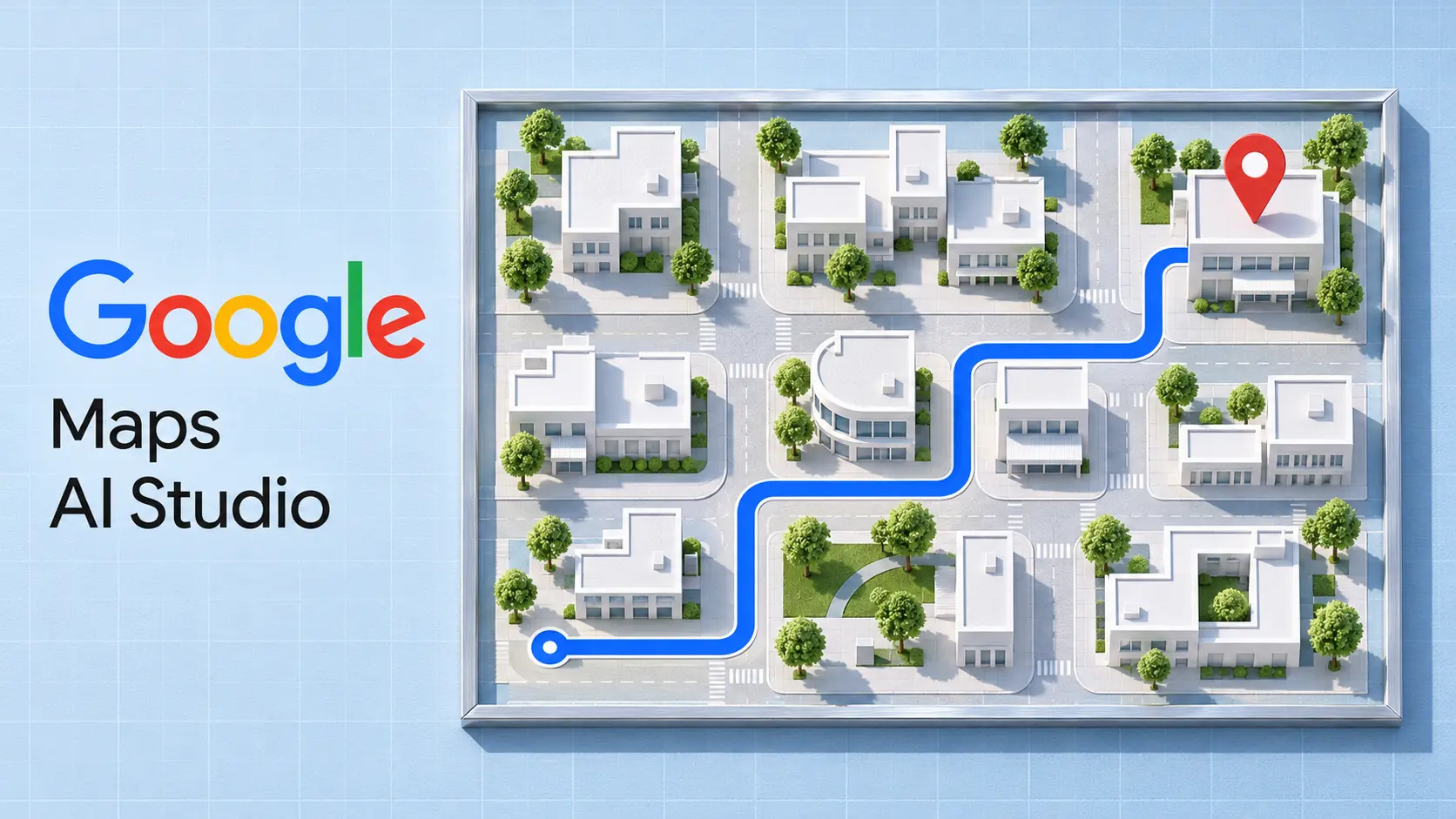
Google announced Google Maps Platform support inside AI Studio on November 9, 2026, letting developers describe a location-based app to Gemini and see an interactive preview without leaving the workspace to configure Maps credentials. The no-card starting option is for experimentation. A paid Cloud billing account is required for production.
The practical opportunity is to test a useful location workflow before spending time on its infrastructure. A store finder, for example, needs more than a convincing map: the search, results and selected location need to work together. That is a sensible first target for this integration.
What the Maps integration adds
Google’s developer announcement describes a prompt, enable and preview workflow. AI Studio handles configuration and API key management, while Maps supplies the geographic services. Google highlights map styling, 3D scenes, place search, routing and environmental applications.
Its gallery examples include a city flyover, a searchable store locator and a mobile pet-grooming route planner. Those examples show the intended range of projects; they are Google demonstrations, not independently tested results from ByteForward.
The immediate benefit is fewer setup steps between an idea and a working prototype. Teams can use that time to inspect the behavior that matters to their customers, rather than treating a successful first preview as proof that the app is ready to ship.
The free allowance is 100 calls per day, per API
Google’s AI Studio Maps documentation lists a daily Demo Key allowance of 100 calls per API, resetting every 24 hours. Existing Cloud users can choose demo access or connect a billed project. Billed projects use standard quotas and monthly free usage rather than the daily demo allowance.
API coverage depends on the path. The AI Studio documentation lists broader access for new users, excluding Route Optimization, Solar and Nav Connect. Existing Cloud users choosing free prototypes get a smaller set, including Maps JavaScript, Places, Routes, Geocoding and Weather. That demo Places access excludes user photos and reviews.
For production, Google documents linking billing to the demo project or selecting an existing billed Cloud project. Linking billing to the demo project preserves its key. Standard quotas still apply, so this should not be read as unlimited API access.
Check account eligibility and costs before committing
Google’s separate Demo Key guide says eligibility requires a personal Google Account; corporate Google Workspace accounts are excluded. It also lists territory restrictions and describes Demo Keys as intended for testing, not production. Because that general guide predates the more detailed AI Studio page, check the option offered to your account before planning around any particular free API.
Production charges depend on the services called. The global pricing table, for example, lists 10,000 free monthly Dynamic Maps events, followed by $7 per 1,000 events in the first paid tier. Places and Routes have separate billable SKUs. A map-rendering allowance therefore does not establish the total cost of an app that also searches for businesses or calculates trips. India has a separate pricing table.
A useful first test
Start with one small task: show a handful of locations, select one and verify the displayed details. Then add a route or filter. Test empty results and quota failures as deliberately as the successful path. This is an editorial recommendation, not a workflow ByteForward has benchmarked.
The same need to validate a preview matters in ByteForward’s coverage of AI Studio’s XR Blocks integration. For Maps, the decision to deploy should depend on correct location behavior, account eligibility and an understood usage bill, not just how quickly the first screen appears.