Google AI Studio adds XR Blocks for spatial app prototypes

Google AI Studio announced XR Blocks support on October 29, bringing the existing spatial development framework into its prompt-based app workflow. Google highlights hand tracking, pinch gestures, tabletop and wall physics, and 3D holograms generated from text or photos. These are vendor-described capabilities, not results from ByteForward testing.
What changed, and where to start
This is an AI Studio integration, not the debut of XR Blocks. Google Research described the framework and its Gemini Canvas workflow on March 25. That older demonstration should not be mistaken for a test of the new integration.
The current setup documentation directs users to BuildXR, which selects XR Blocks in AI Studio. The framework can also be selected manually in settings. AI Studio supports building, previewing and running apps in the browser without local developer tools. Generative features use API keys.
| Check | What applies |
|---|---|
| Foundation | XR Blocks is built on three.js. |
| Desktop start | Chrome on macOS, Windows or Linux; a headset is not required to begin. |
| Headset target | Android XR with Chrome 136 or later and WebXR enabled. |
| Local alternative | Serve files over HTTP or HTTPS, not directly from a local file URL. |
What the simulator does not prove
The simulator documentation says it uses the same scripts, targeting, selection and world APIs as an XR session, but does not emulate the browser WebXR API. Its display presets are approximations, not an optics emulator. The docs specifically call for checking contrast, text size and target size on the device.
That distinction matters when a promising browser demo becomes a headset prototype. A scene rendering on a monitor is evidence that the scene renders there, not that physical interaction, readability or comfort has passed on hardware.
A sensible first prototype
Suggested checklist, not a tested workflow: start with one object and one interaction rather than a complete game. For example, ask for a small tabletop model that changes color when selected. Check selection and reset behavior in the preview, then validate the intended interaction on your target headset. Add more features only after that small loop works. Review any generated code before sharing or deployment.
No independent timing, reliability or cross-device results are claimed here. The announcement does not establish unlimited free generation or identical availability for every account, so check the current service terms and usage limits before committing a project.
Read Google AI Studio’s original announcement on X if the embed does not load. Its video could not be played during our source check.
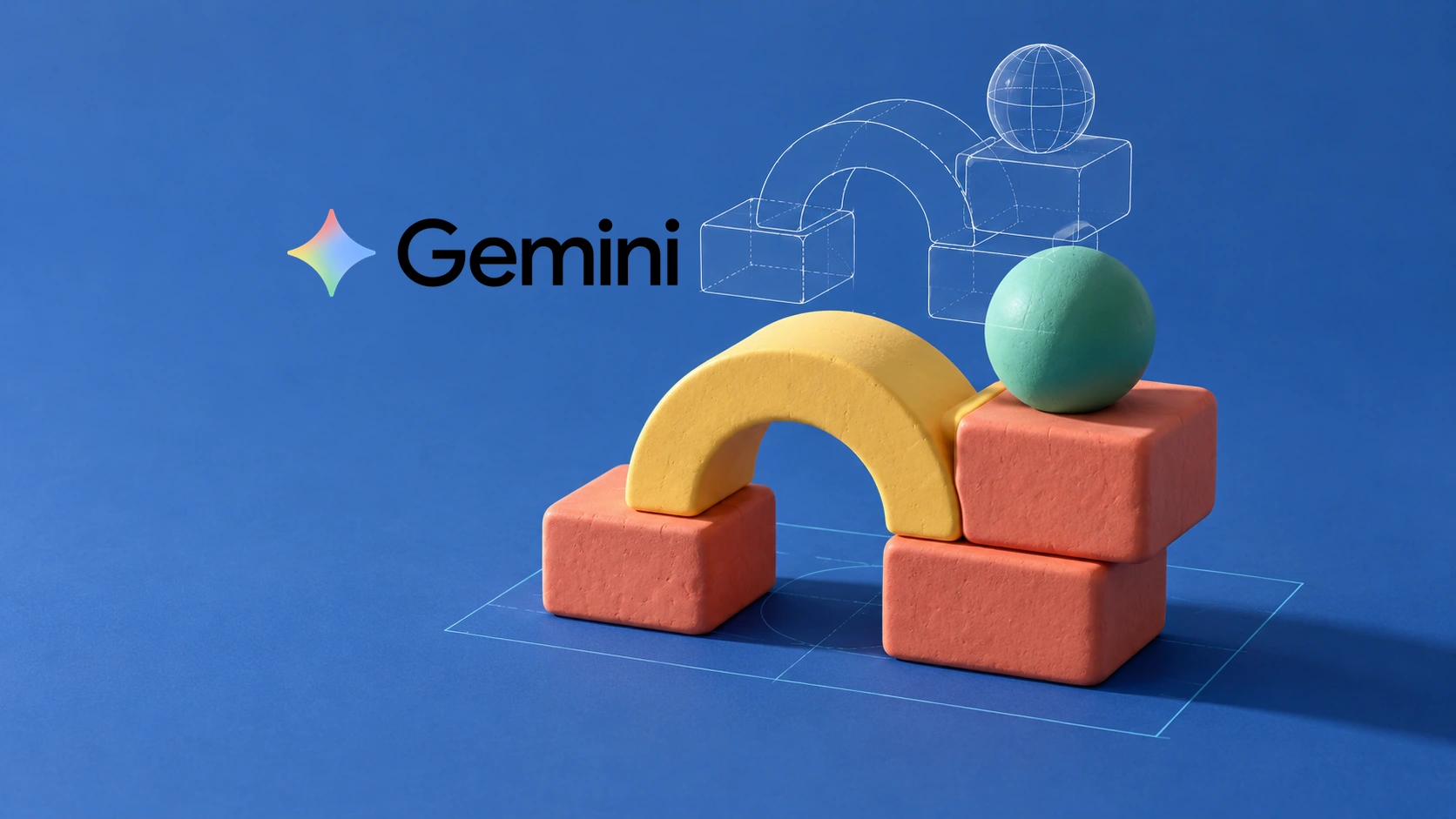
Featured image: AI-generated editorial illustration by ByteForward with the official Gemini wordmark from the Gemini website. Gemini is a trademark of Google LLC. ByteForward is not endorsed by or affiliated with Google.